
Common Scenarios and Best Practices
 May 12, 2026
 5 min read
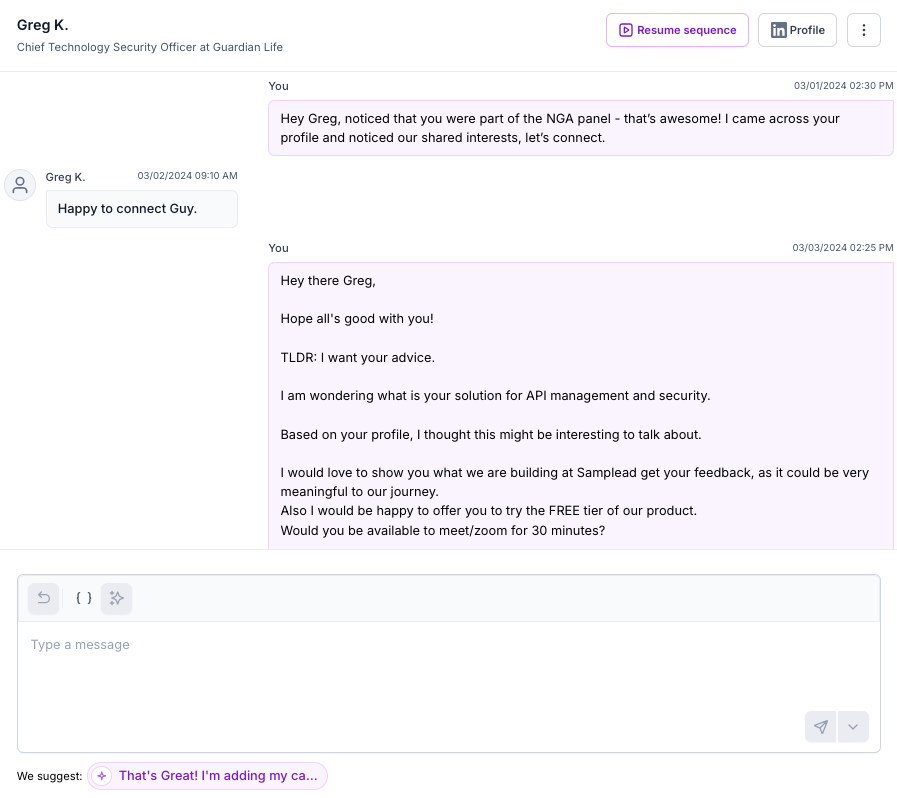
1. The Generic Acceptance
- Scenario: The prospect accepts the request with a simple "Thanks for connecting" or "Happy to join your network."
- Action: Use Resume sequence. Resume the sequence to trigger the next value-driven step in your automated sequence immediately.
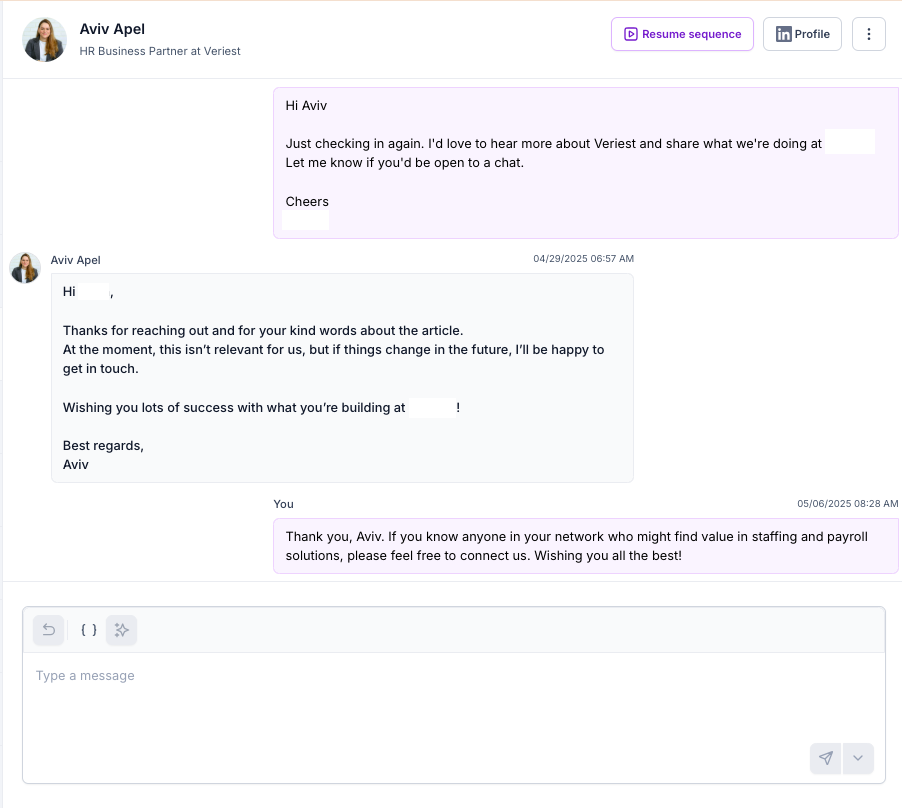
2. The "Not Now" or Timing Objection
- Scenario: The prospect replies with "Not interested this quarter" or "We aren't looking right now."
- Action: Use Manual or AI Reply. Do not resume the sequence, as the pre-set message may not match the prospect’s context. Send a short reply acknowledging their timing and suggest staying connected to keep the door open.
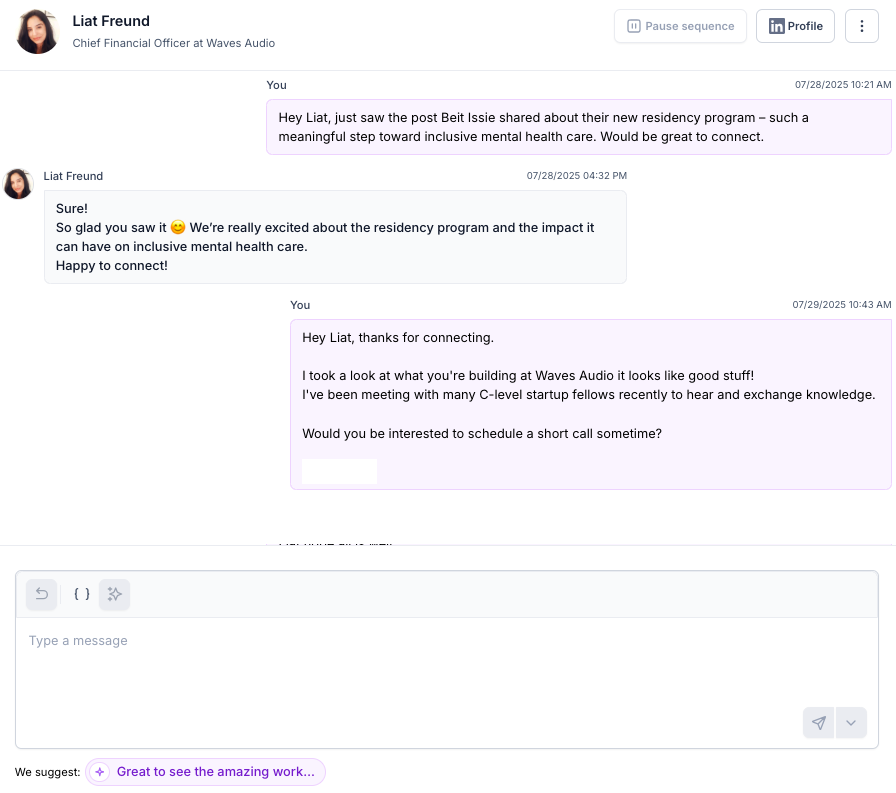
3. The Trigger Pivot
- Scenario: The prospect replies specifically to the personal trigger you mentioned (e.g., commenting on an article, podcast, or post).
- Action: Use Manual or AI Reply. Acknowledge their comment in one sentence, and continue by asking a relevant business question that connects back to your solution.
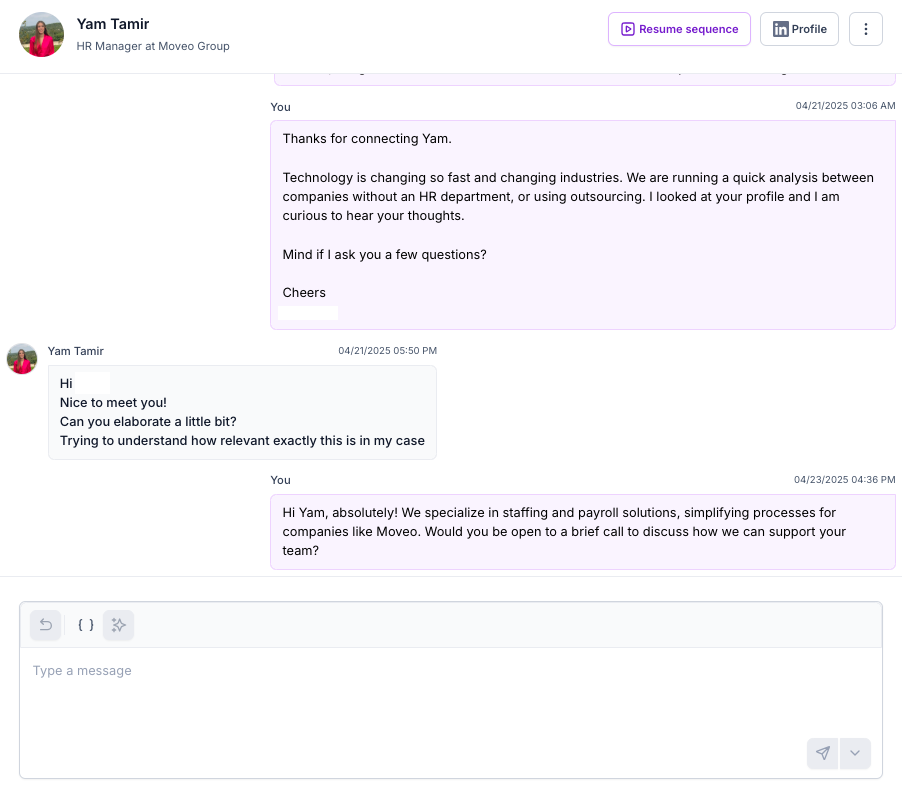
4. The "Send More Info" (Soft Interest)
- Scenario: The prospect expresses vague interest but is not ready to commit to a call, often asking for general information (e.g., "Can you give more information?").
- Action: Use Manual or AI Reply. Provide a concise value summary specific to their industry and propose a low-friction next step.
5. High Intent or Interest
- Scenario: The prospect responds positively and explicitly asks for a meeting, a demo, pricing, or a partnership discussion.
- Action: Use Manual Reply. Stop all sequences immediately. Then send a direct message containing your calendar booking link or specific time slots to secure the meeting while interest is high.

Useful Tips
- Daily Routine: Log in once a day to review suggestions and answer replies. Consistent activity prevents tasks from piling up and keeps your outreach momentum steady.
- Response Speed: Aim to reply to interested prospects within 24 hours. Attention spans are short, and quick engagement significantly increases the likelihood of booking a meeting.
- Closing the Loop: Immediately mark scheduled prospects as "Booked." This serves two critical functions: it stops all further automated messages and triggers the integration webhook to push the opportunity into your CRM.
- Future Tagging: Use simple tags like "Q2 Follow-up" or "Event Lead" to organize conversations that aren't ready to close now, ensuring you don't lose track of future opportunities.


.avif)
