FAQ: How do I move an interested prospect into a new automated sequence?
 March 30, 2026
 5 min read
When a prospect replies, Samplead stops all automation to avoid robotic follow-ups. To re-engage them with a new sequence, follow these steps.
Steps
- Create an Existing Network campaign with your follow-up sequence (e.g., "Post-Interest" or "Meeting Scheduling")
- Go to Prospects tab → search for the prospect
- Click Move to campaign → select your new campaign
- The prospect enters the new automated flow immediately
Alternative: Resume Sequence
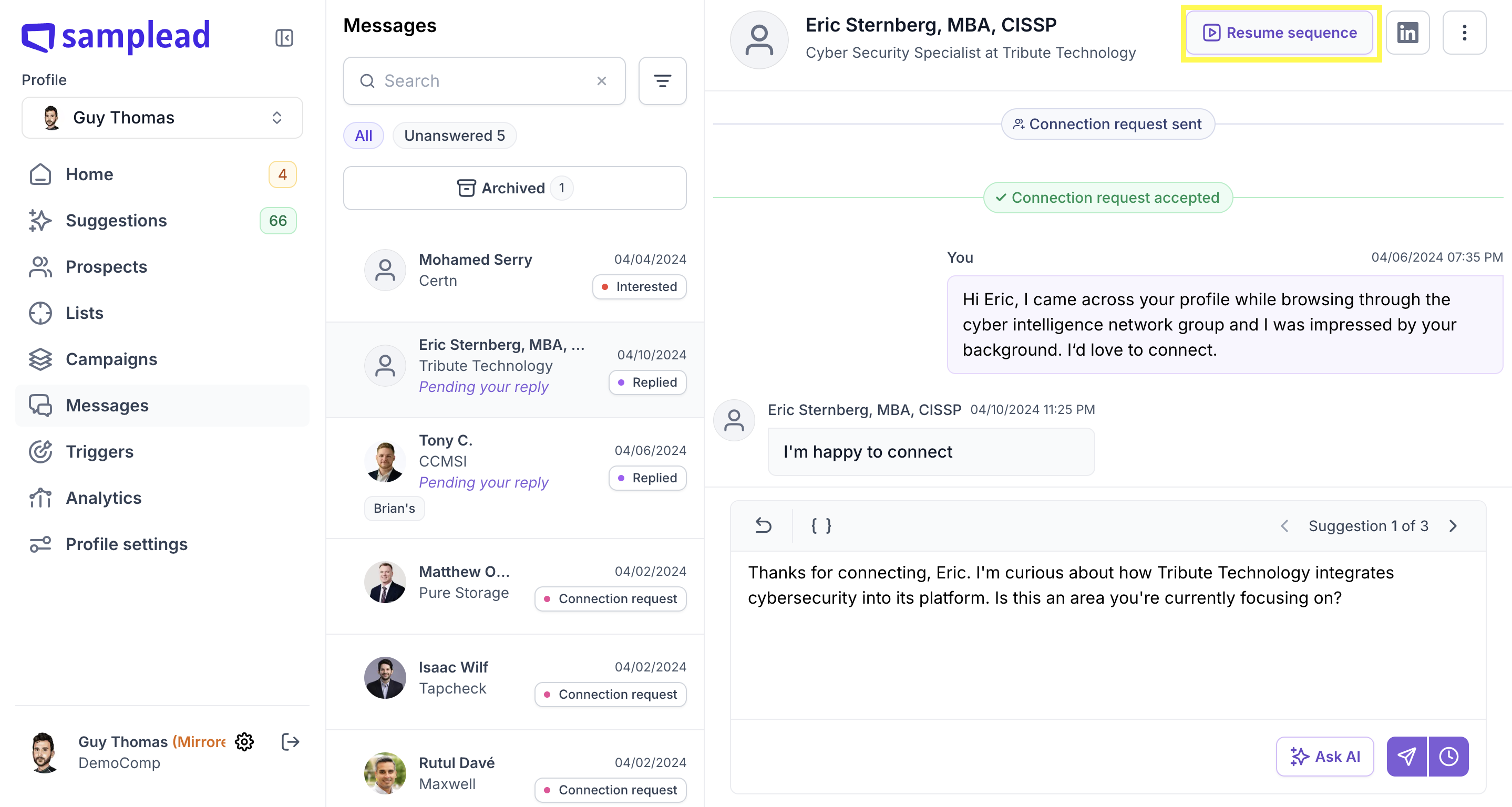
If you just want to continue the original campaign after replying manually:
- Open the conversation in your Inbox
- Click Resume Sequence
- Choose which message to send next
💡 Use the {calendar_link} placeholder in your messages. Once a prospect books a meeting, their status changes to Booked and all automation stops automatically.


.avif)