ICPPC Scoring Explained
 May 12, 2026
 5 min read
How does the ICPPC scoring work?
The ICPPC score measures how many prospects match your campaign’s ICP definition. It shows whether your target audience is large enough or too narrow based on the filters you selected.
You can find the ICPPC score at the bottom of your campaign setup page:
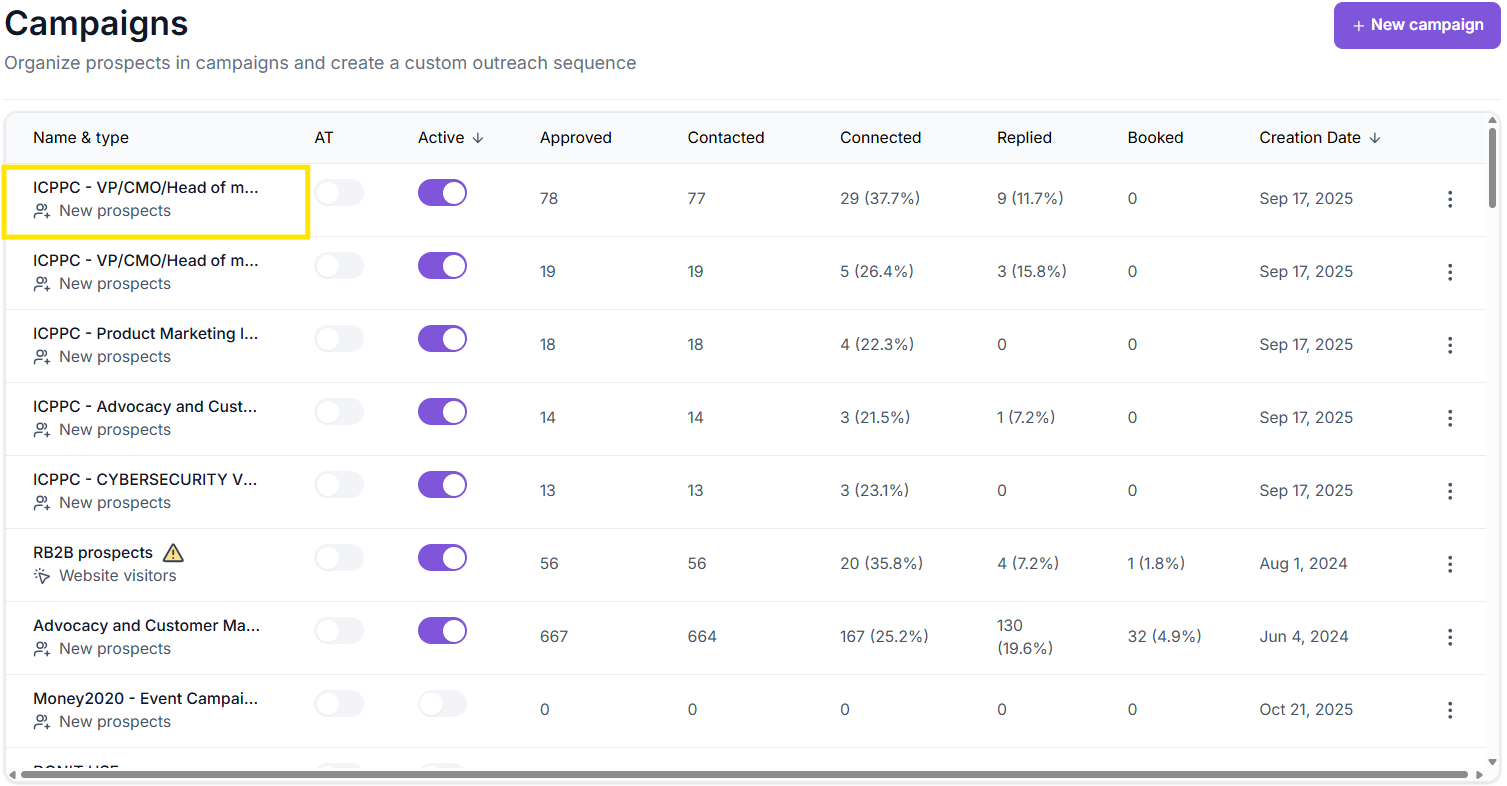
- Go to"Campaigns"
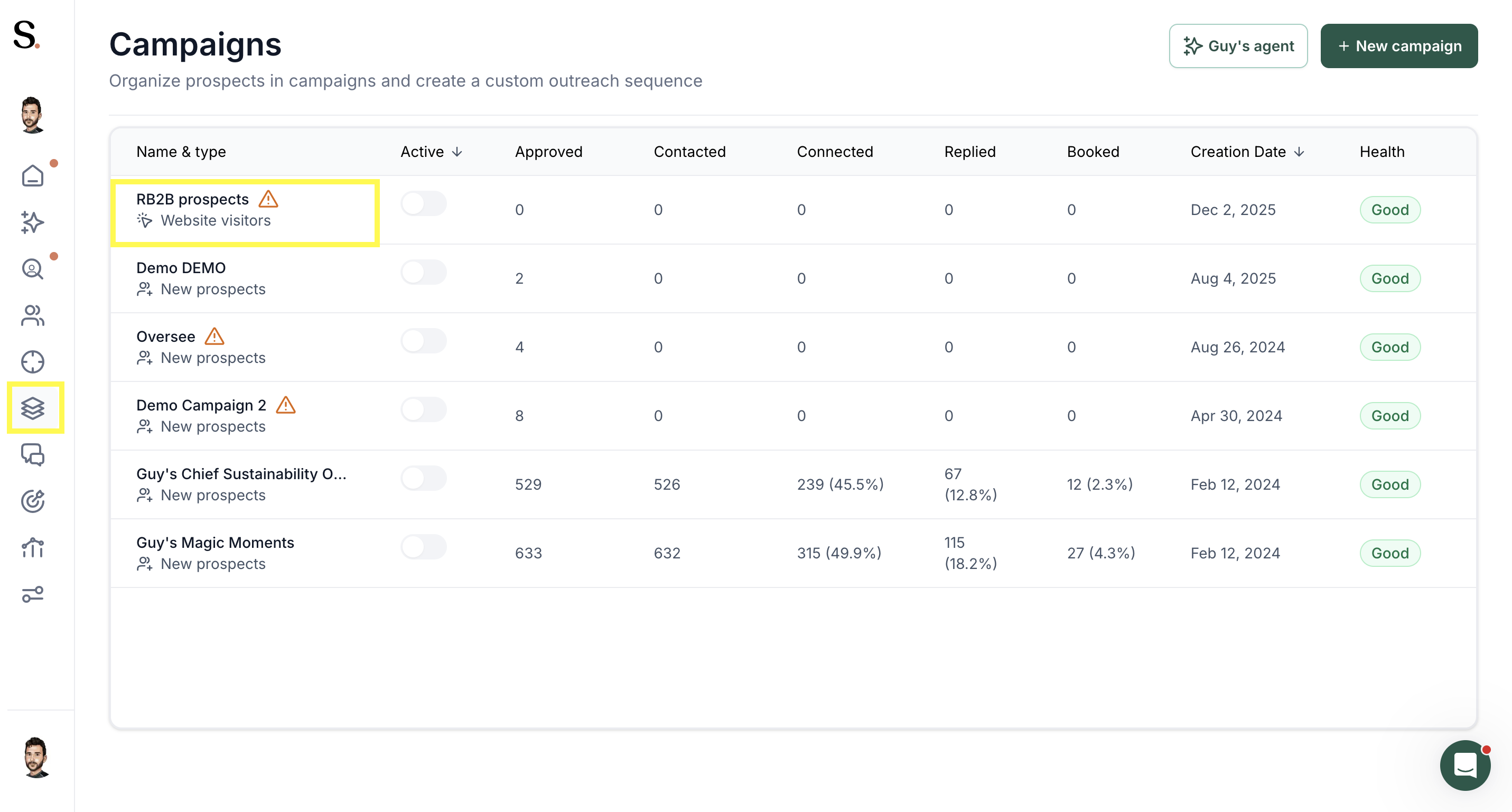
- Click on a campaign
3. Open"ICP definition"

How it works

- Green (Good)
- This means your Ideal Customer Profile (ICP) is well balanced — there are plenty of prospects available that match your criteria.
Your campaign has a healthy audience size and can run smoothly without running out of leads. - You don’t need to change anything, but if you start getting too many unrelated results, you can gradually add exclusions instead of new filters.
Keep your ICP simple — fewer filters usually mean better reach.

- Orange (Limited):
- The ICP is becoming too narrow.
There are still prospects available, but your campaign may start slowing down or running out of new profiles over time. - This often happens when you add too many filters, making the audience overly restrictive.
Try removing some filters or keeping them broad — for example, add general seniority levels (like Manager, Director, Head) and then use a keyword in “Job Title” such as Cloud or Sales to help the system find everyone relevant to that topic.

- Red (Low): This indicates your ICP is too limited — there are very few prospects that meet all your conditions.
Your campaign will likely stop generating leads quickly. - To fix this, simplify your setup:
remove unnecessary filters, expand industries or regions, and keep only the essentials.
It’s always better to start wide and then exclude what doesn’t fit, rather than overfiltering from the start.
- TIP: Avoid using Lookalikes at the beginning — they can reduce your search too much and make it harder for the system to find enough new prospects.
Tips & Best Practices
- Always check your ICPPC score before launching a new campaign — it shows if you have enough prospects to sustain outreach.
- Avoid over-filtering your ICP; fewer filters usually mean better campaign longevity.
- Remember: the goal is to keep the ICP relevant but not too narrow — balance quality with scale.


.avif)