
Why did a message appear to send after I deactivated my campaign?
 May 12, 2026
 5 min read
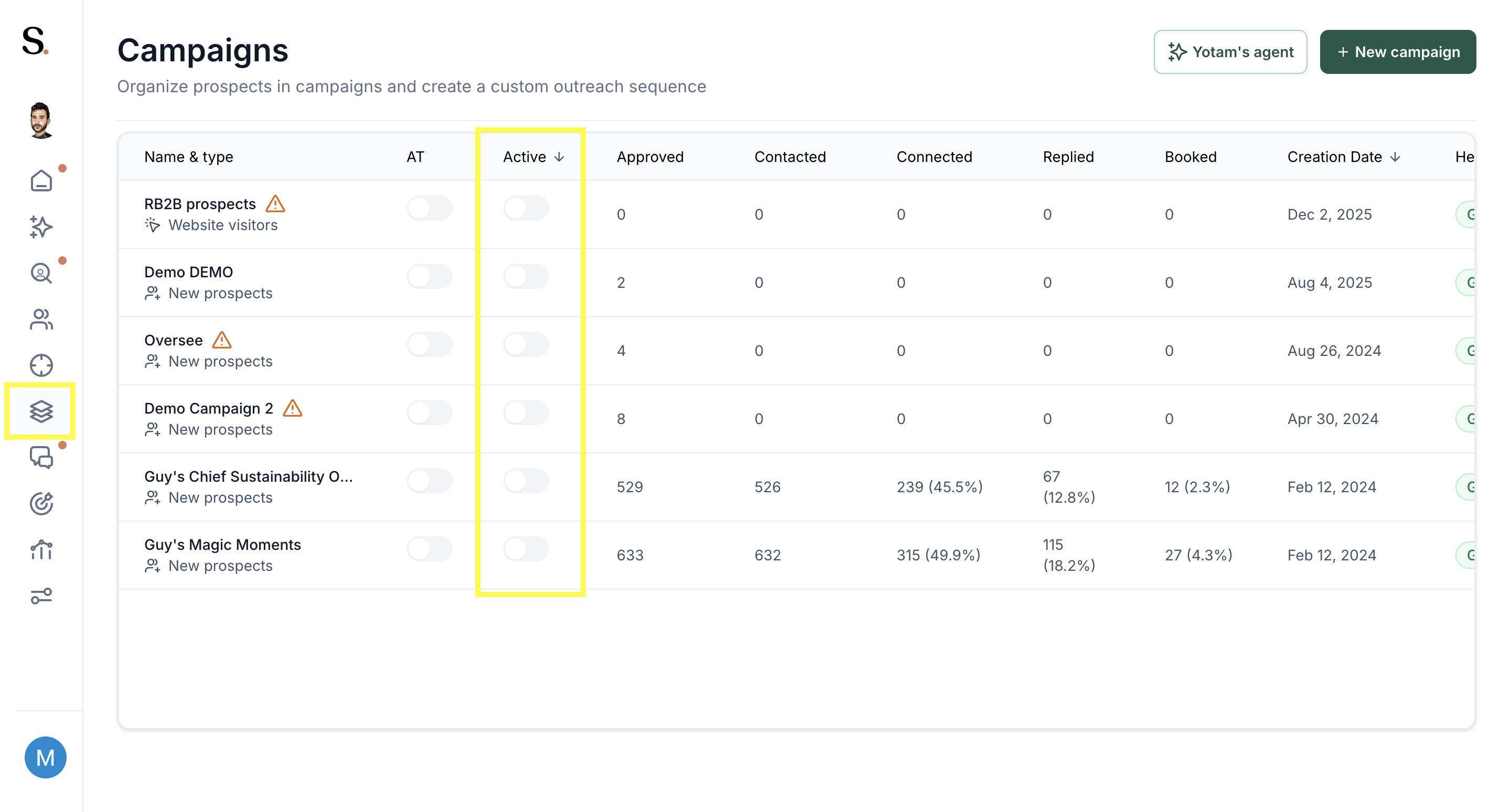
Your campaign didn't send a new message. This is a LinkedIn UI behavior — not a Spear bug.
What's happening
When a prospect accepts a connection request, LinkedIn timestamps the message based on the acceptance date, not the original send date. So a message sent weeks ago can appear as if it was sent today.
Key points
- Deactivating a campaign stops all new connection requests and messages immediately
- Messages already sent with a pending request will still appear when the prospect accepts — this is how LinkedIn works
- The prospect can see the original send date in the connection request itself
If you want to prevent this
Withdraw the pending connection request manually from LinkedIn before the prospect accepts. Note: this removes your chance to connect with them.
💡 For time-sensitive campaigns (events, launches), deactivate early AND withdraw pending requests if the message is no longer relevant.


.avif)
