
How can I create an account and connect my profile in Spear?
 May 12, 2026
 5 min read
1. HOW TO CREATE AN ACCOUNT
Step-by-step:
- 1: Open your invitation link. This link is provided by your organization's Admin or your Customer Success Manager. If you are an Admin, you can generate this link within the General Settings > Teams section to invite new members directly
- 2: Enter your details: first name, last name, work email, and a secure password.
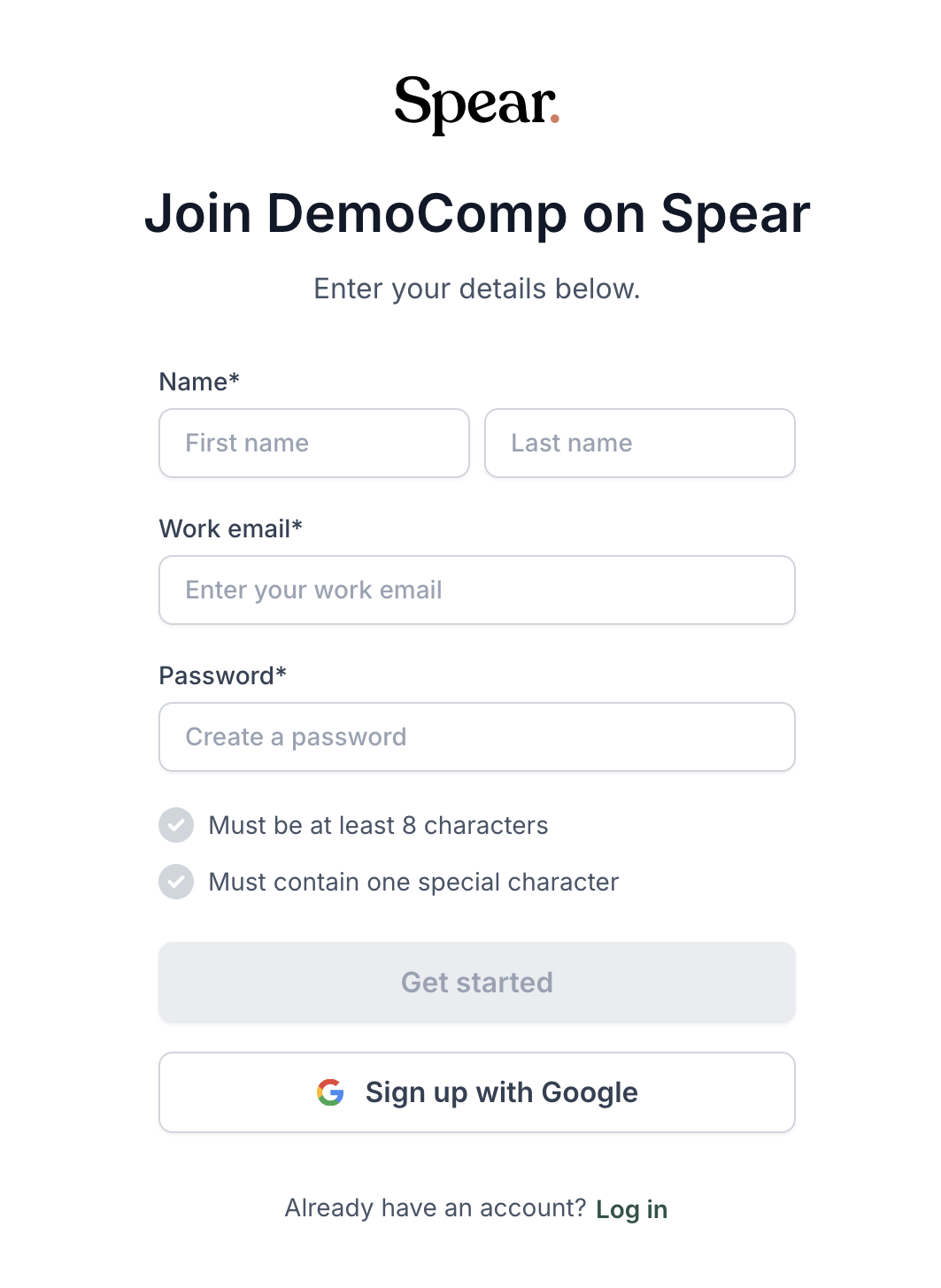
- 3: Click “Get started.”
- 4: You’ll receive a confirmation email. Open it and click the link inside to verify your account.

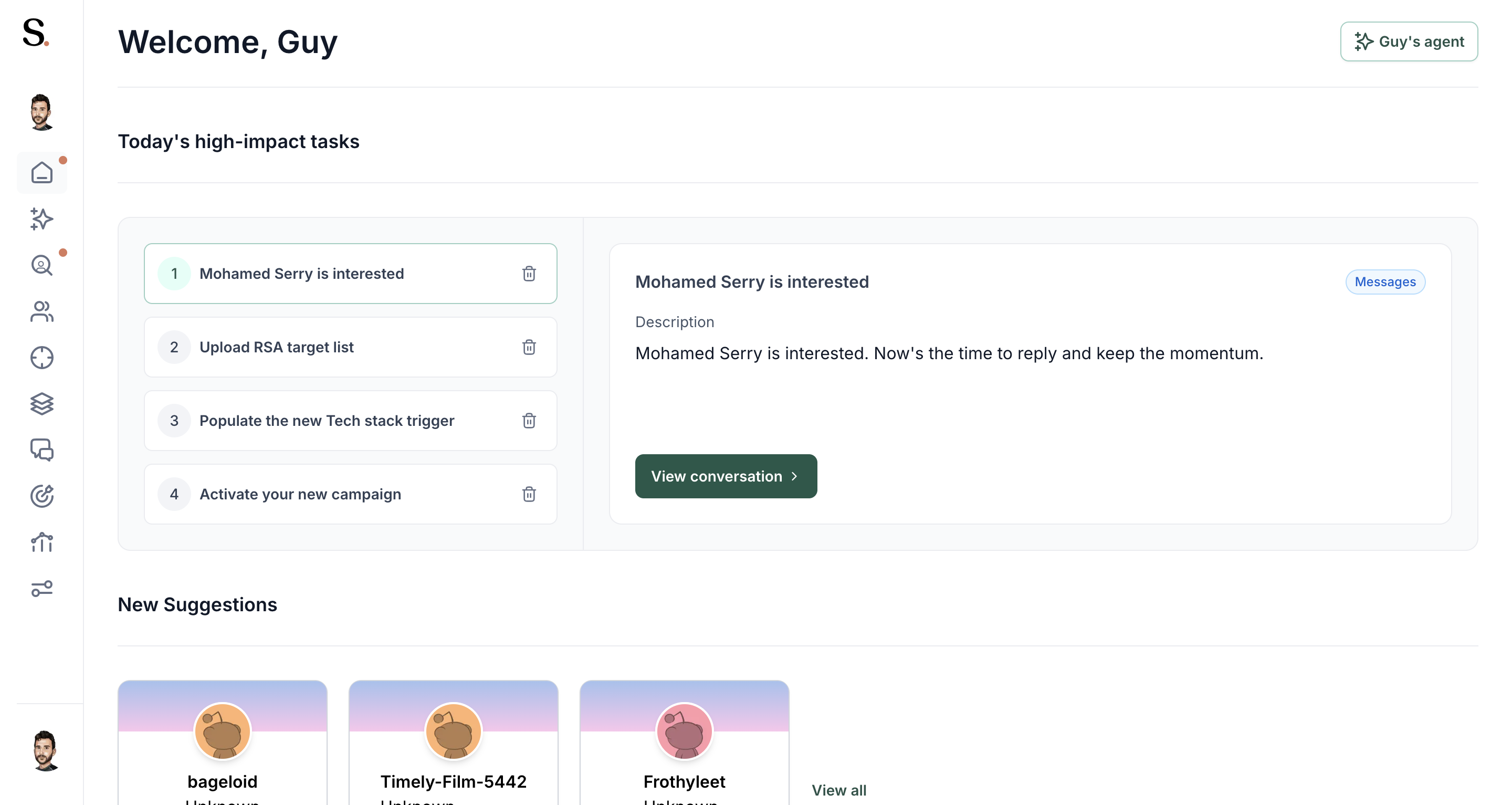
- 5: Once confirmed, you’ll be redirected to the dashboard — welcome to Spear!
2. HOW TO CONNECT MY PROFILE
Step-by-step:
- 1: In the dashboard, click on Settings (⚙️) next to your name.

- 2: Go to Profiles.
- 3rd: Click “Create new profile.”

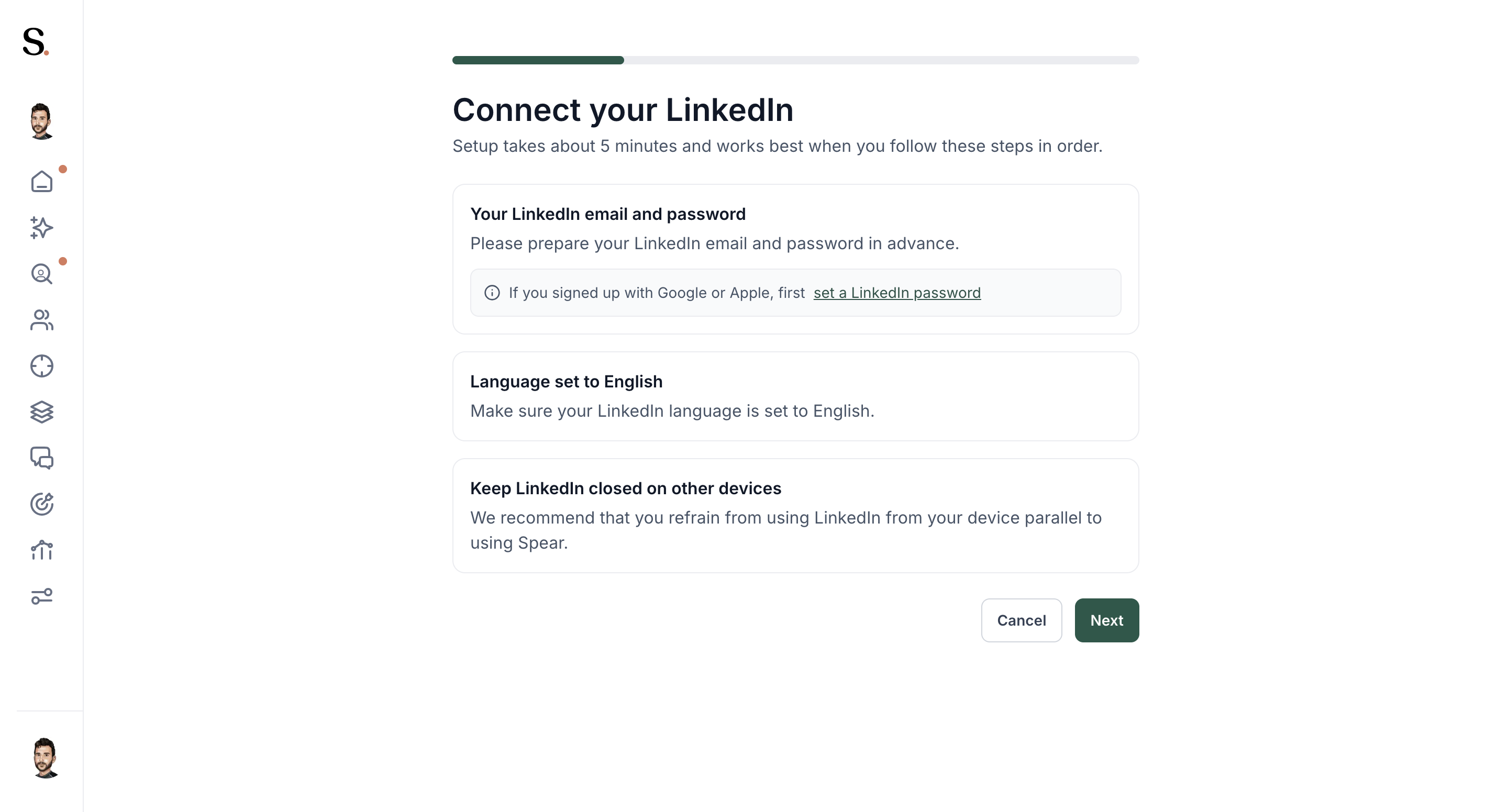
- 4: And now, we'll connect your Outreach Platform account.
- Click on "Next"
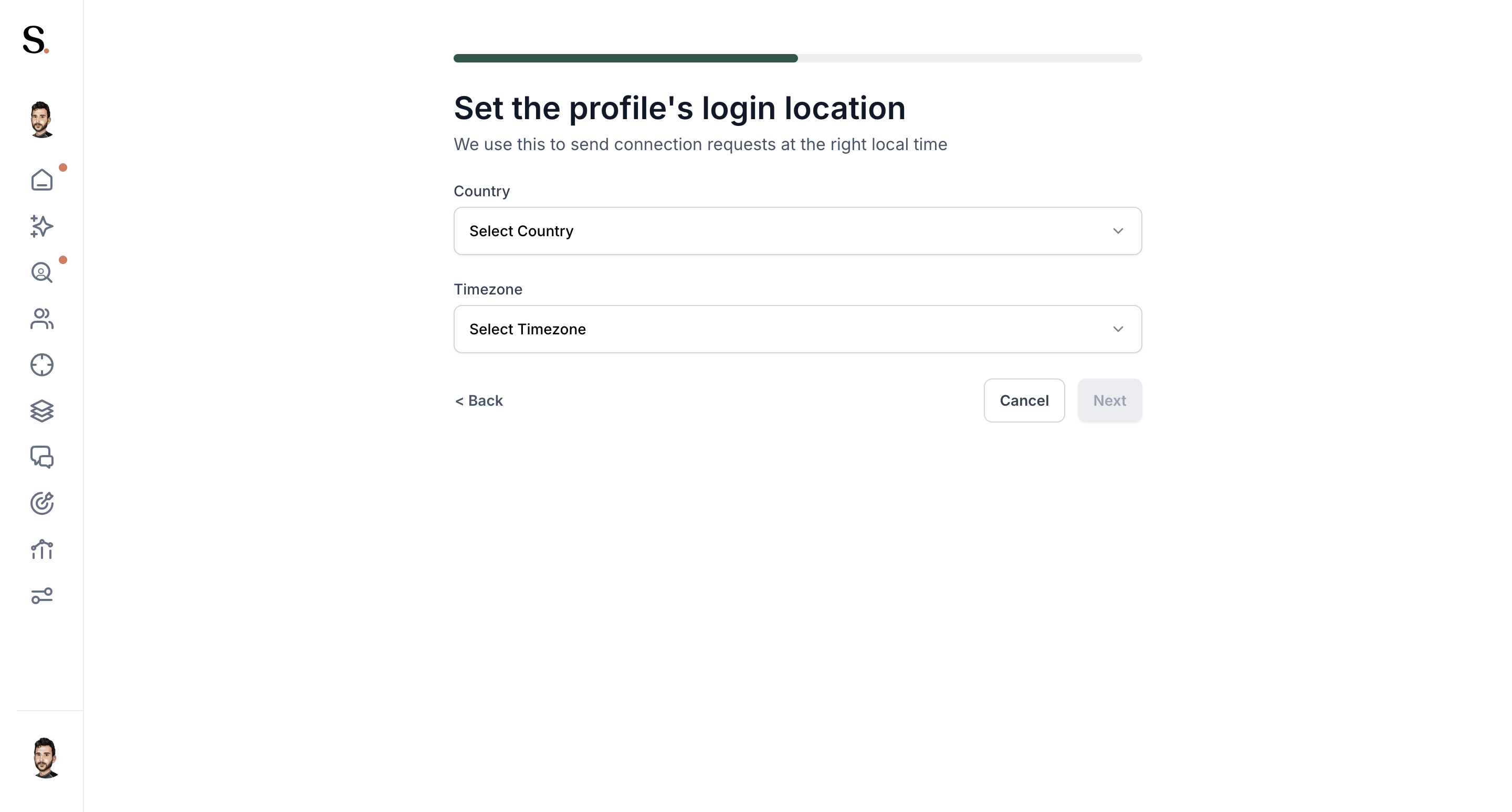
- 5: Choose your regular LinkedIn login location (for example: Europe/London). And click Next
- 6: Enter your LinkedIn credentials.
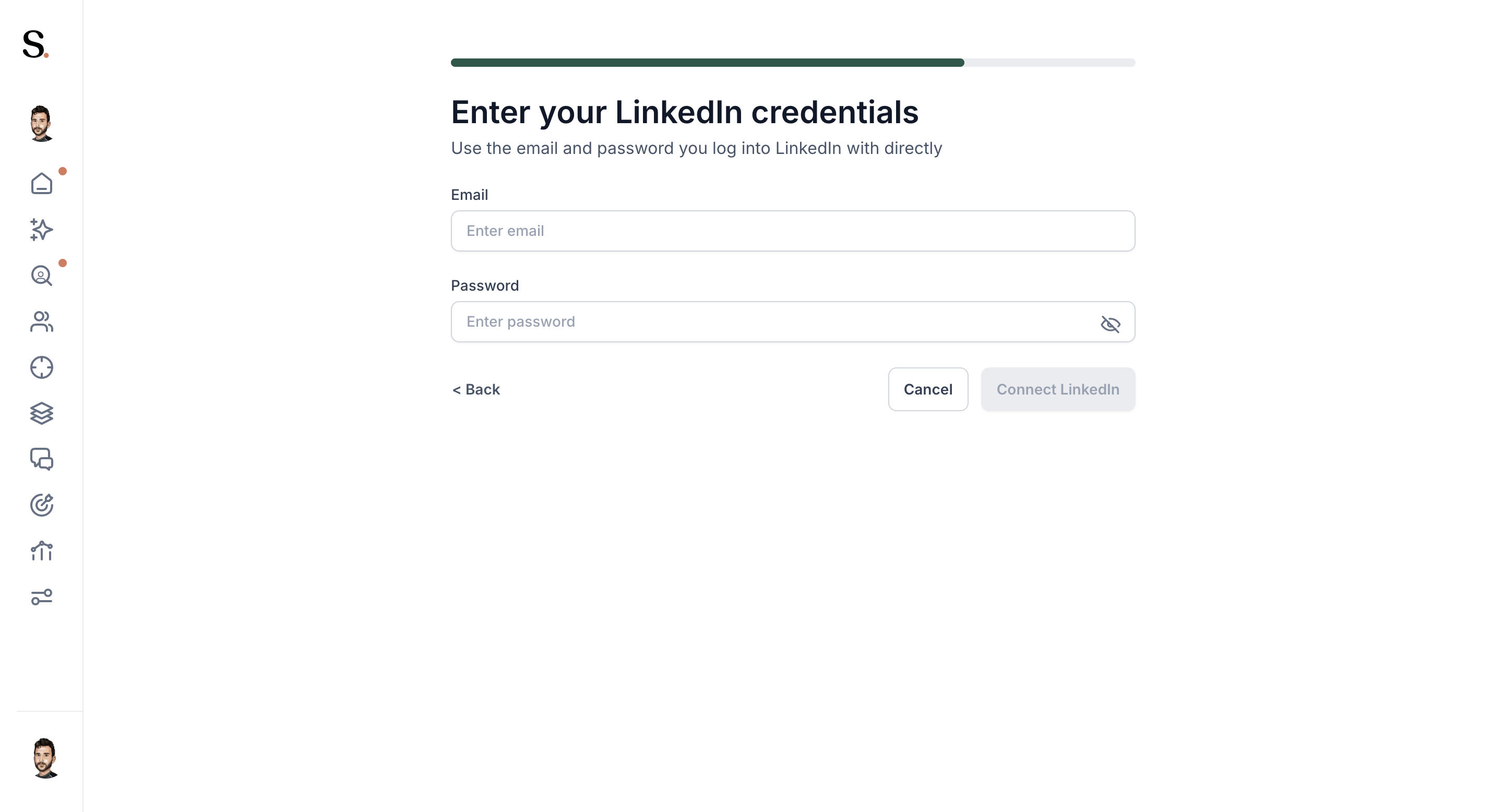
- 7: Wait a few minutes — the sync process may take a bit of time.
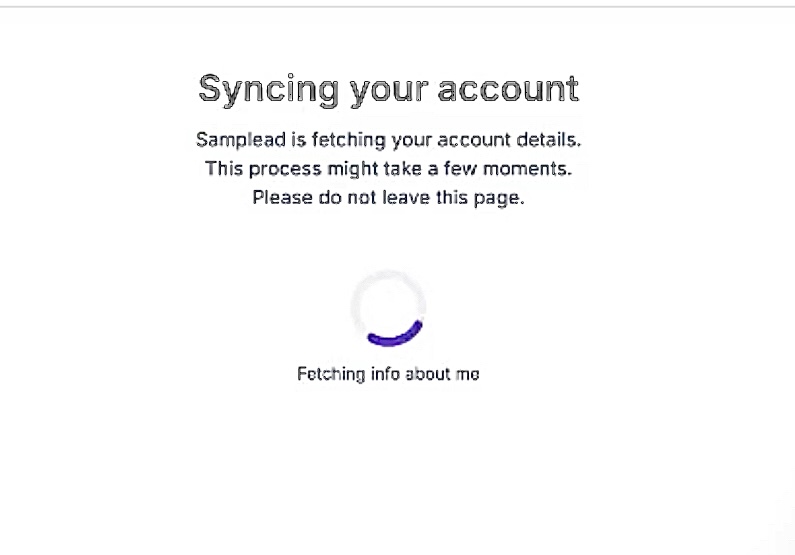
- 8: You’ll receive a verification code on your phone; enter the code and confirm.
- 9: All done! Your Outreach Platform account has been succesfully connected!
Pro tip:
Sharing Invitation Links: > Admins and existing users can facilitate profile connections by sharing direct invitation links from within the platform. This allows team members to skip the manual navigation and proceed directly to the authentication flow.
What happens next?
When you log in for the first time, you won’t see any data yet — that’s normal.
Your CSM will upload your information and set up your ICP (Ideal Customer Profile) so Spear can start finding the best prospects for you.


.avif)
