
How do I make sure my campaign is manual?
 May 12, 2026
 5 min read
By default, Spear requires you to manually approve every prospect before any message is sent. This means nothing goes out without your review.
To confirm your campaign is set to manual:
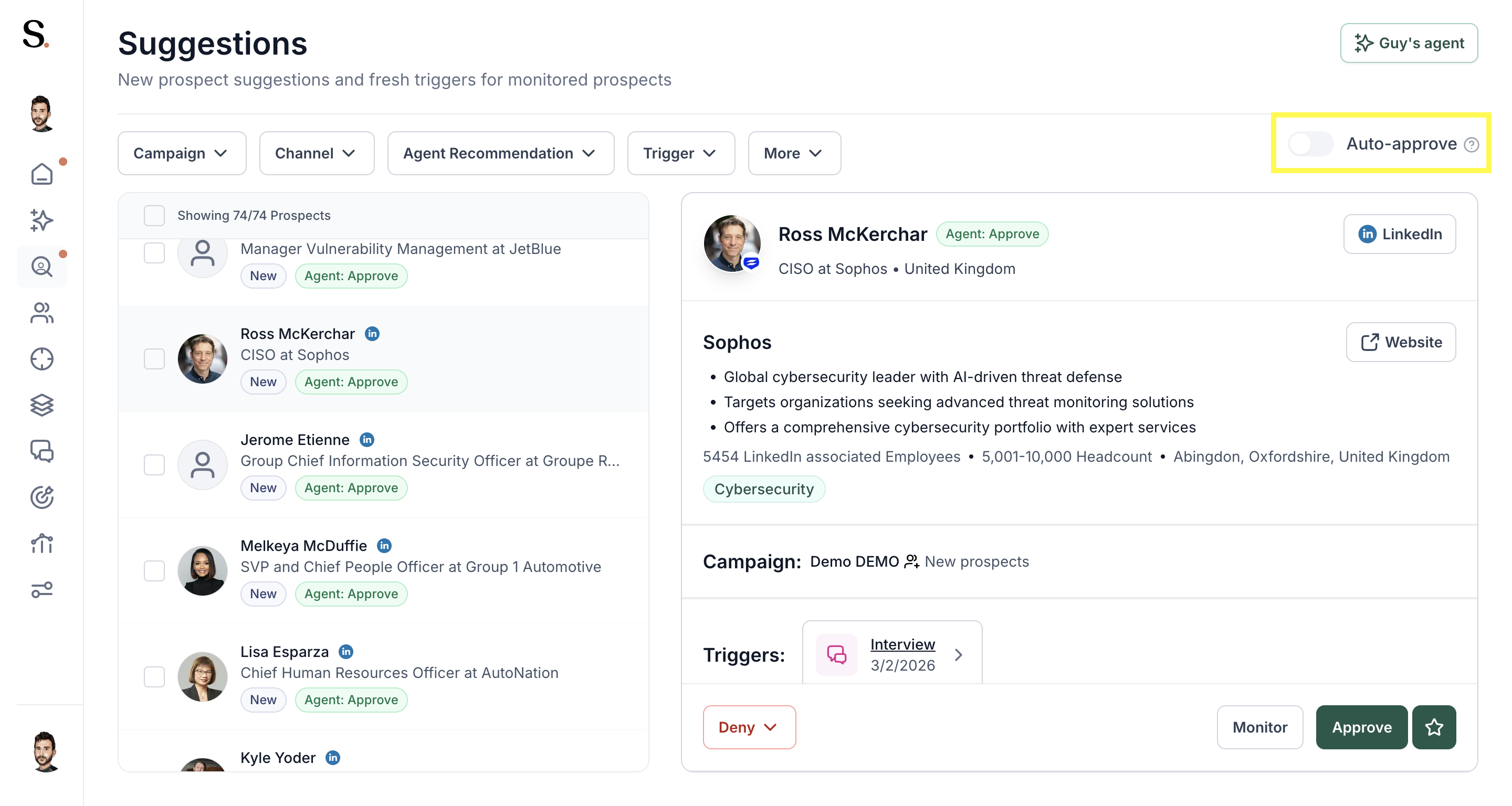
- Go to the Suggestions tab.
- Check the Auto-approve toggle in the top-right corner.
- If the toggle is off — your campaign is manual. ✅
- If the toggle is on — turn it off to return to manual approval.
💡 With manual mode, every prospect lands in your Suggestions queue first. You approve or deny before anything is sent.


.avif)
