
How do I set the messaging language for my campaigns? (MA)
 May 12, 2026
 5 min read
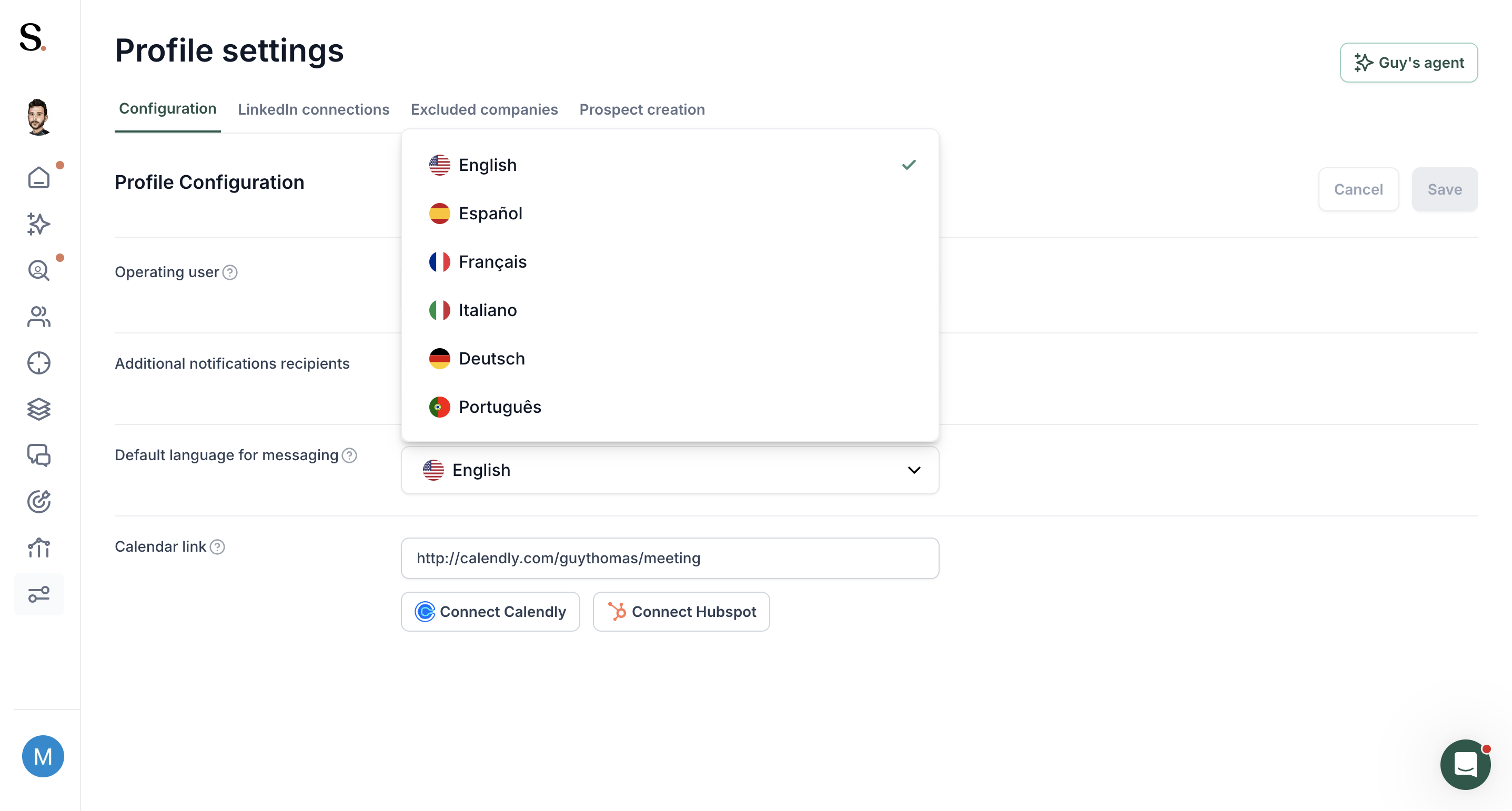
Spear supports sending messages in 6 languages. You can define the language at the profile level and override it per campaign.
How to set it up:
- Default language — Go to Profile Settings and select your default messaging language. This will apply to all campaigns unless overridden.
- Per campaign — Inside each campaign, you can change the language independently from the profile default.
How it works: Sequence messages are sent exactly as written in the campaign — in the language you've configured. Make sure your message copy is written in the selected language before activating the campaign.
Note: Language selection also applies to event campaigns and existing network campaigns — so make sure your connection request messages are written in the correct language for each.


.avif)
