
How do I use the In-App Chat Agent?
 May 12, 2026
 5 min read
What it does The in-app chat lets you perform platform actions using natural language — no need to click through menus.
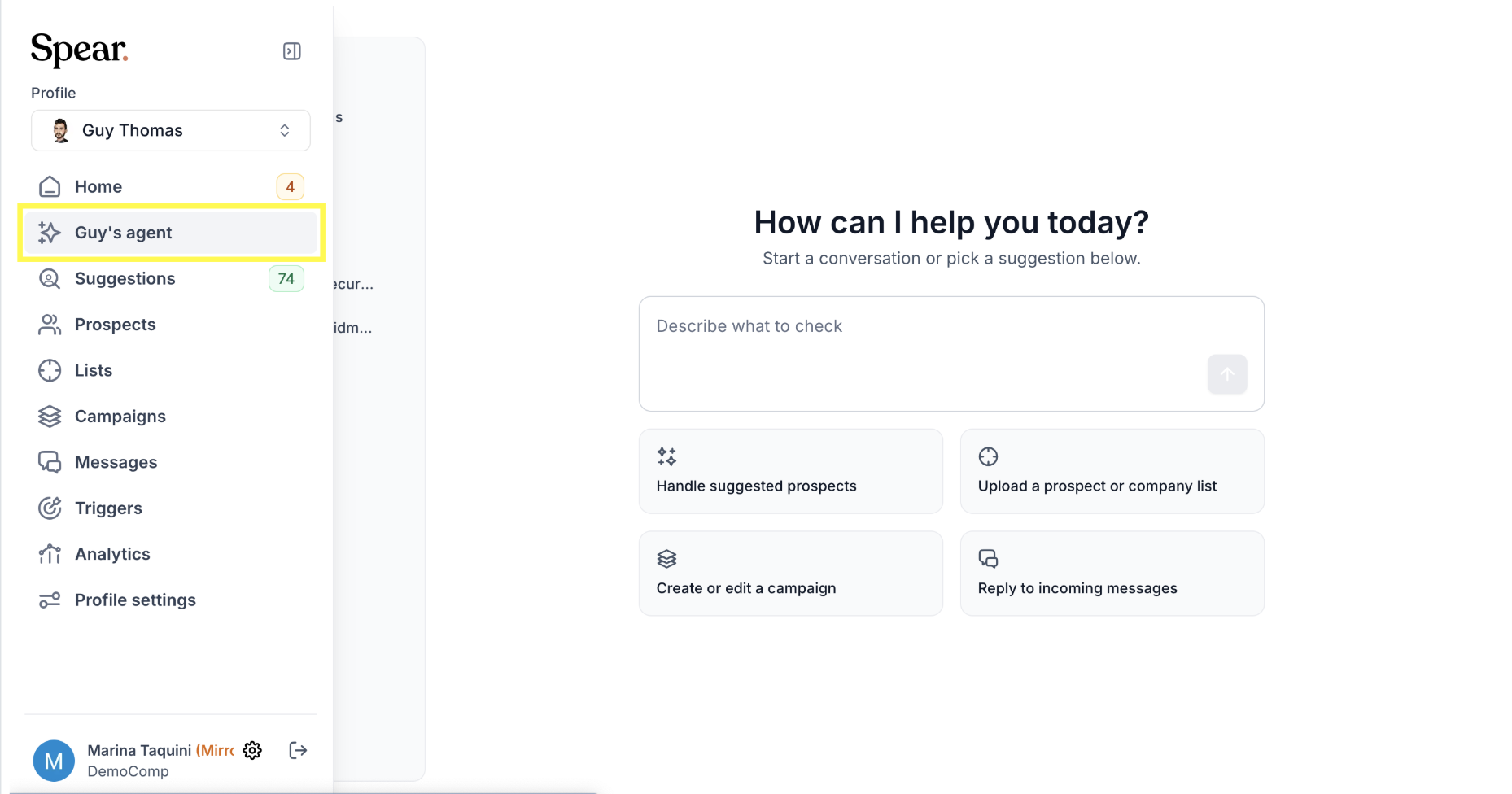
How to access it
- Open any Profile page
- Click the Chat tab
- Type your request in plain English (e.g., "Move this prospect to campaign X")
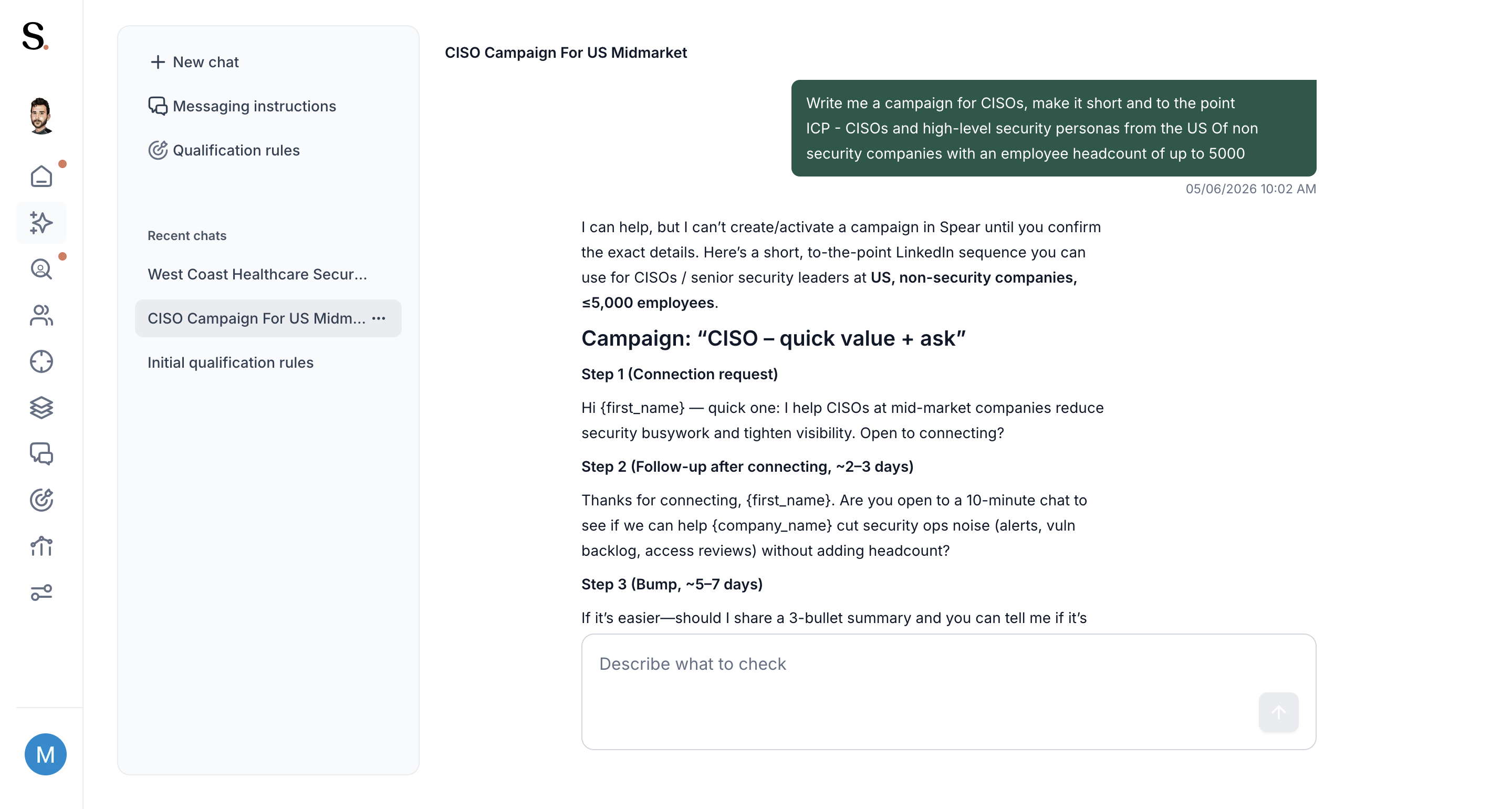
- What you can do
- Create or update campaigns
- Move prospects between campaigns
- Pause or activate campaigns
- Ask questions about a prospect's status
Tips
- Be specific with your request — include ICP, tone, and any constraints
- The agent will ask for confirmation before creating anything
- Use Recent chats in the sidebar to revisit previous conversations


.avif)
