
How do I use the Influencer Trigger? (MA)
 May 12, 2026
 5 min read
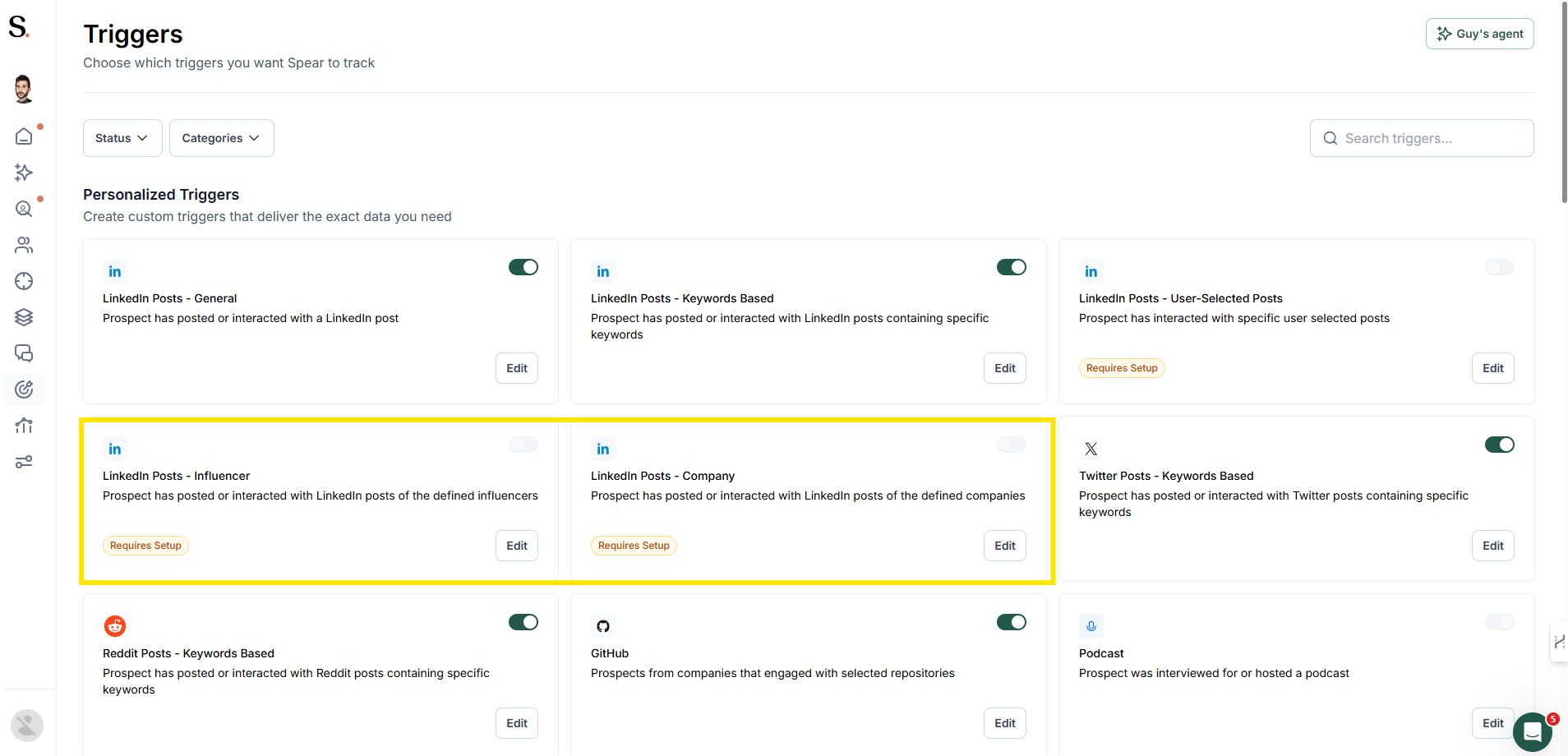
The Influencer Trigger lets you target prospects who engage with specific LinkedIn profiles or company pages — turning their audience into your pipeline.
Two trigger types
TriggerWhat it monitorsInfluencer – Profile PostsEngagement on a specific person's LinkedIn postsInfluencer – Company PostsEngagement on a specific company's LinkedIn page posts
How to set it up
- Go to Triggers in your Spear dashboard
- Select Influencer – Profile Posts or Influencer – Company Posts
- Paste the LinkedIn URL of the profile or company page
- Save — the platform will monitor engagement with their posts automatically
Tips for best results
- Pick accounts with high engagement (lots of likes/comments)
- Choose competitors, partners, or industry leaders
- Make sure the audience engaging with those posts fits your ICP


.avif)
