
How to connect RB2B to Spear
 May 12, 2026
 5 min read
How to connect RB2B to Spear
Spear integrates with RB2B to help you turn website visitors into prospects.
Once connected, RB2B identifies who is visiting your website and sends those visitors into Spear—only if they match the ICP you set for the RB2B campaign.
This allows you to automatically reach out to high-intent visitors without manual work.
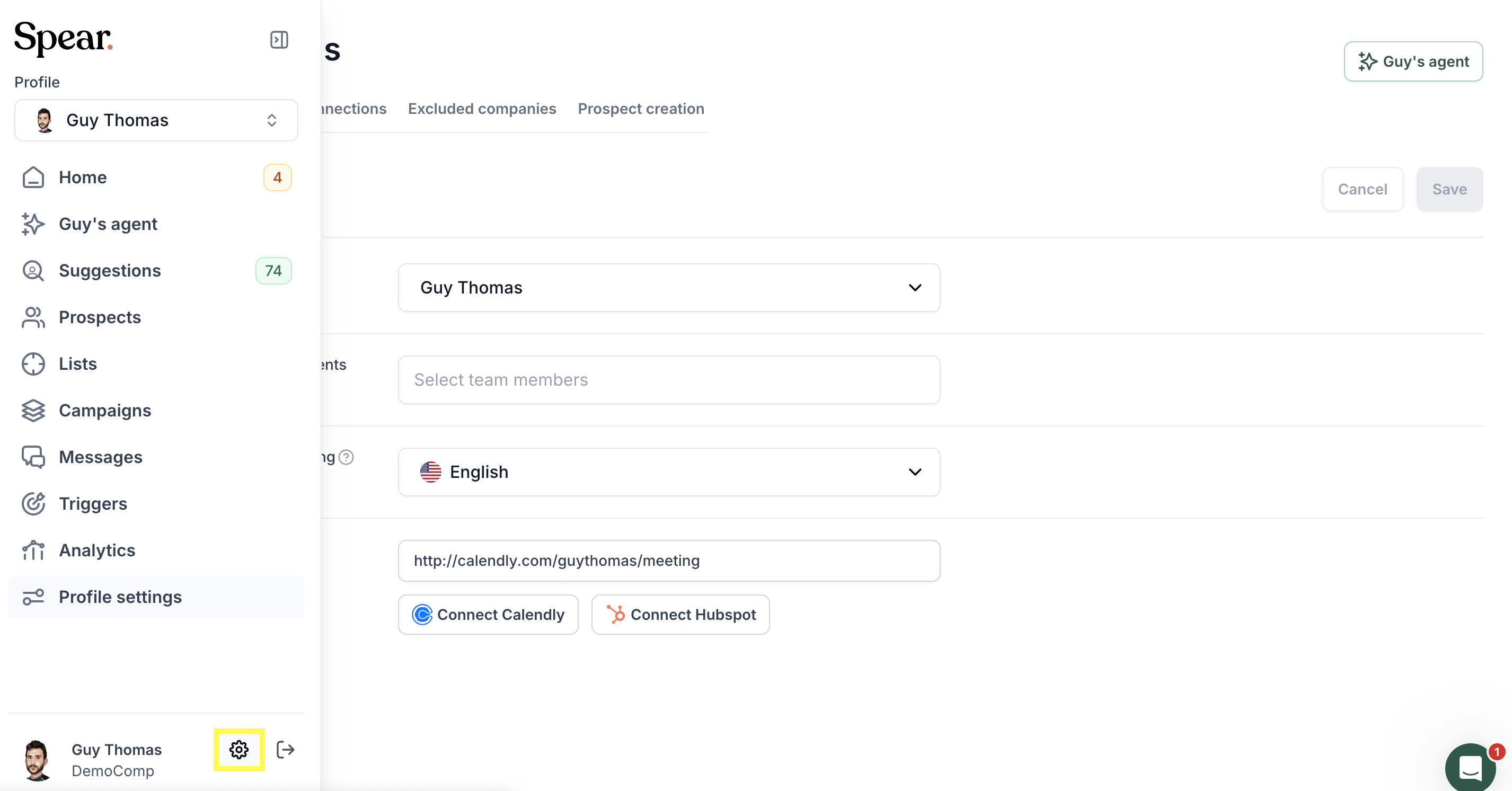
Step 1: Open the Dashboard
Go to General Settings → Integrations.
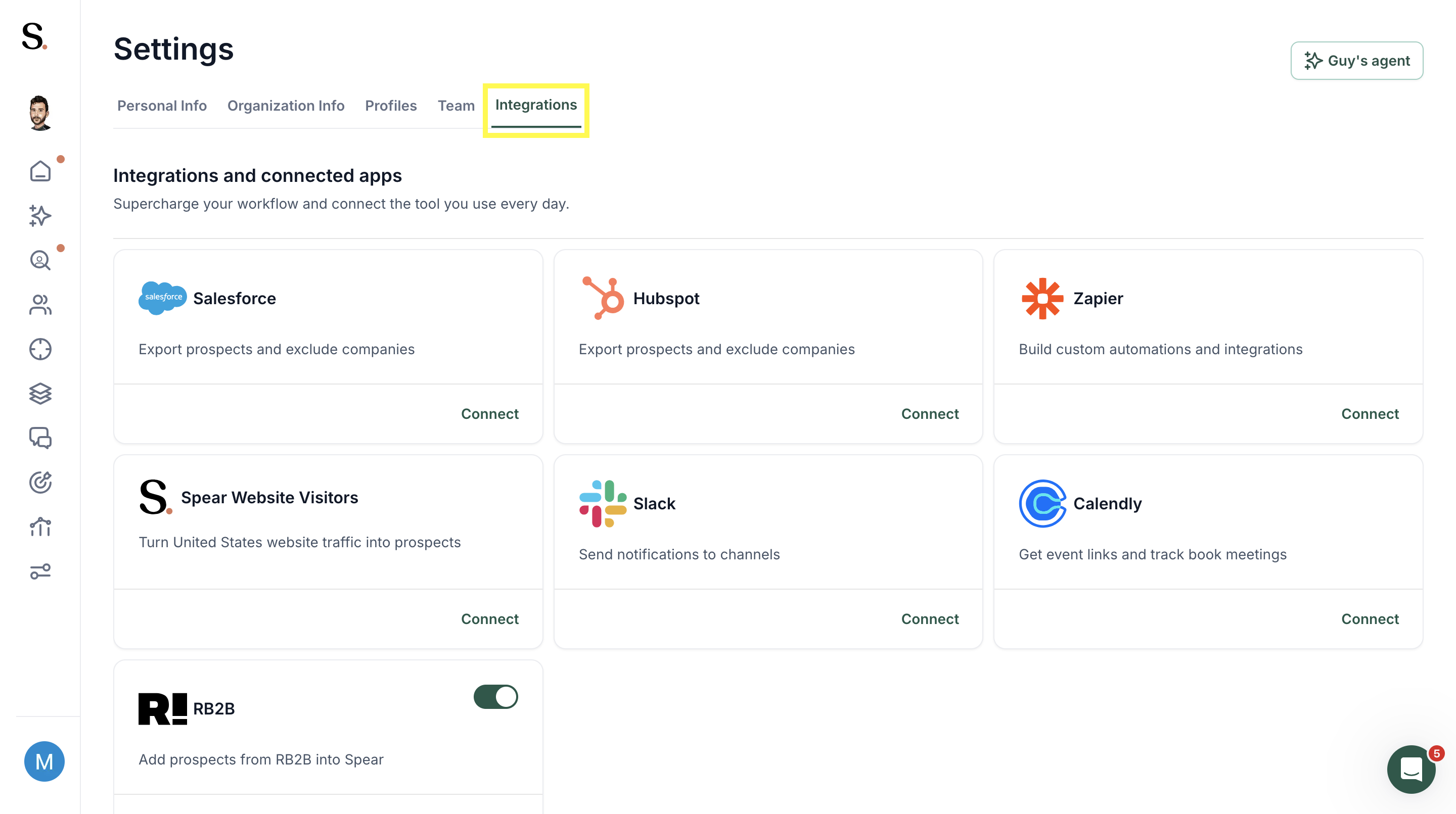
Step 2: Connect RB2B
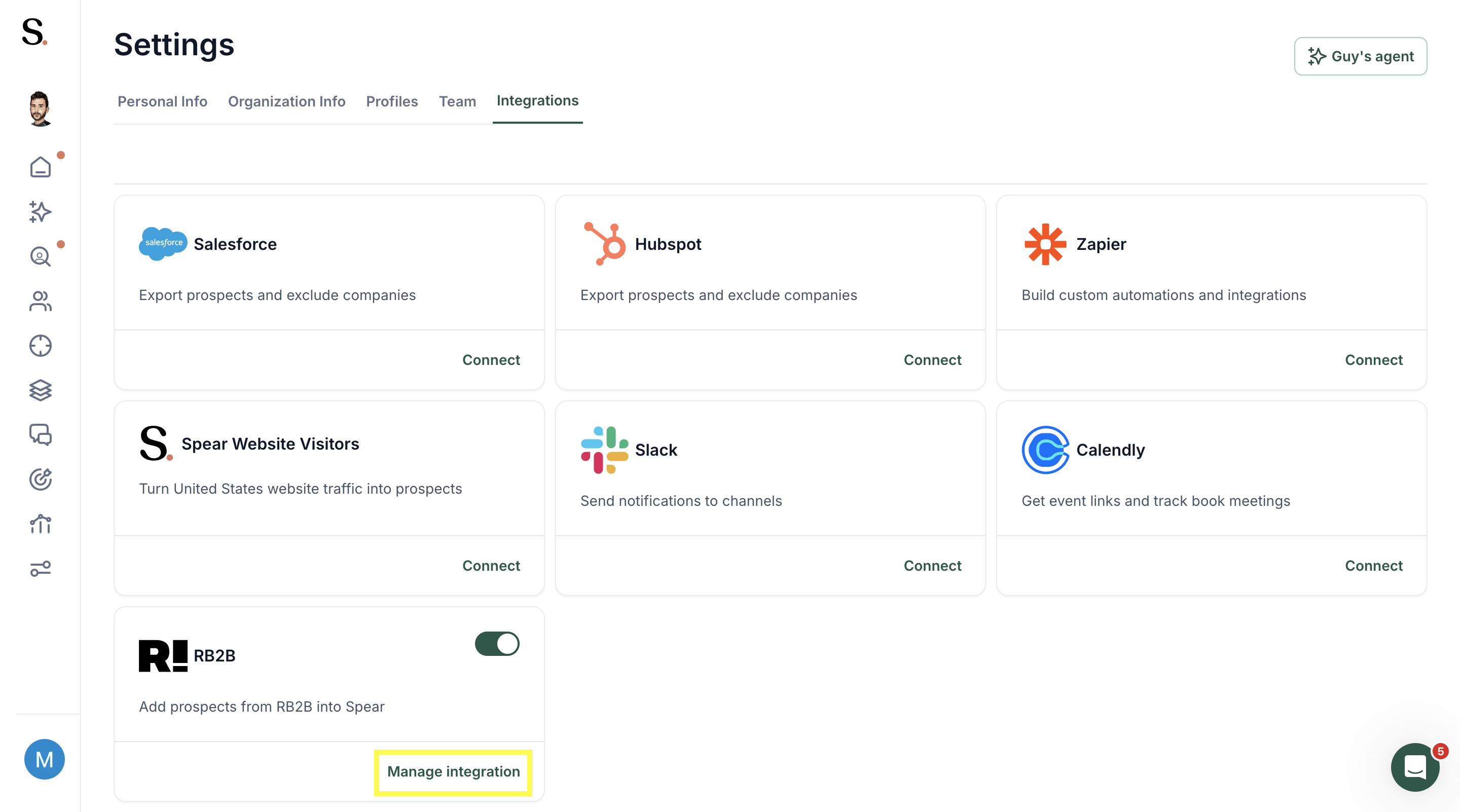
In the Integrations tab, locate RB2B and click Manage integration to start the setup.
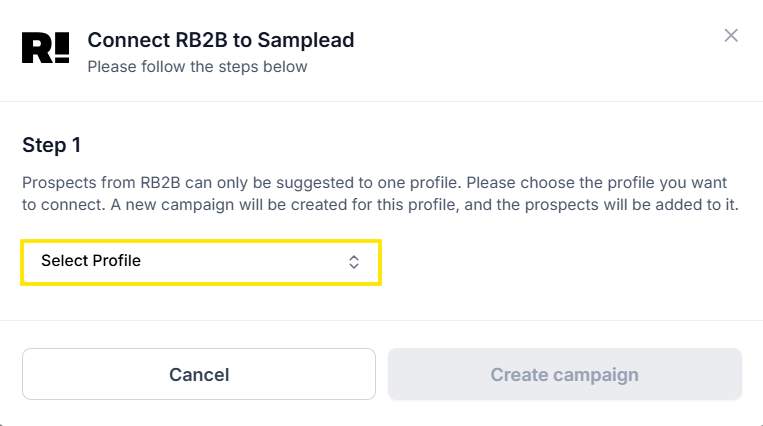
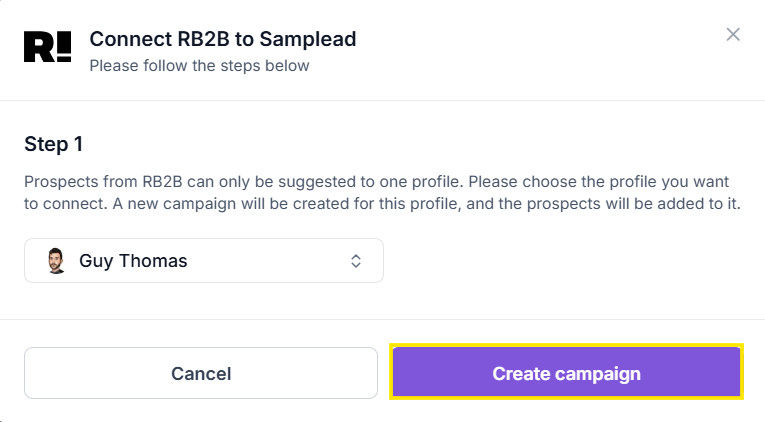
Step 3: Choose the profile
Select the profile you want to use, then click Create campaign.
This creates a new campaign called RB2B Prospects – Website Visitors.
Step 4: Copy the Webhook URL
Spear will generate a unique Webhook URL.
Copy this URL and paste it in the Webhook field inside RB2B.
When you’re done, click Mark as done.


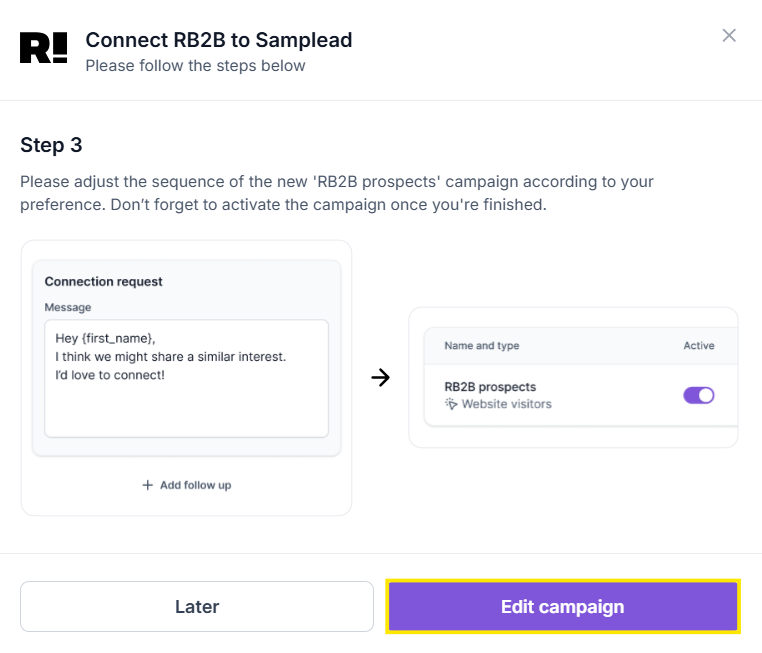
Step 5: Adjust the campaign
The last step lets you customize the sequence of your new RB2B campaign.
You can edit or add steps the same way you would in any other Spear campaign.
Click Edit campaign to finalize the setup.
What happens next?
Once the integration is connected:
- RB2B will identify visitors on your website
- Visitors who match your ICP will be added as prospects inside Spear
- All RB2B prospects will flow into the campaign you just created
- They will follow the sequence you configured, just like any other campaign
This allows you to use real website traffic as a new, high-intent outbound source—without any manual work.


.avif)
