
How to duplicate a campaign
 May 12, 2026
 5 min read
Duplicating a campaign lets you create a new one using the same filters, sequences, and overall setup — without rebuilding everything from scratch. This is useful when creating variations of an existing campaign or testing different versions of the same setup. (clearer, and accurate terminology plus flow)
Step-by-step
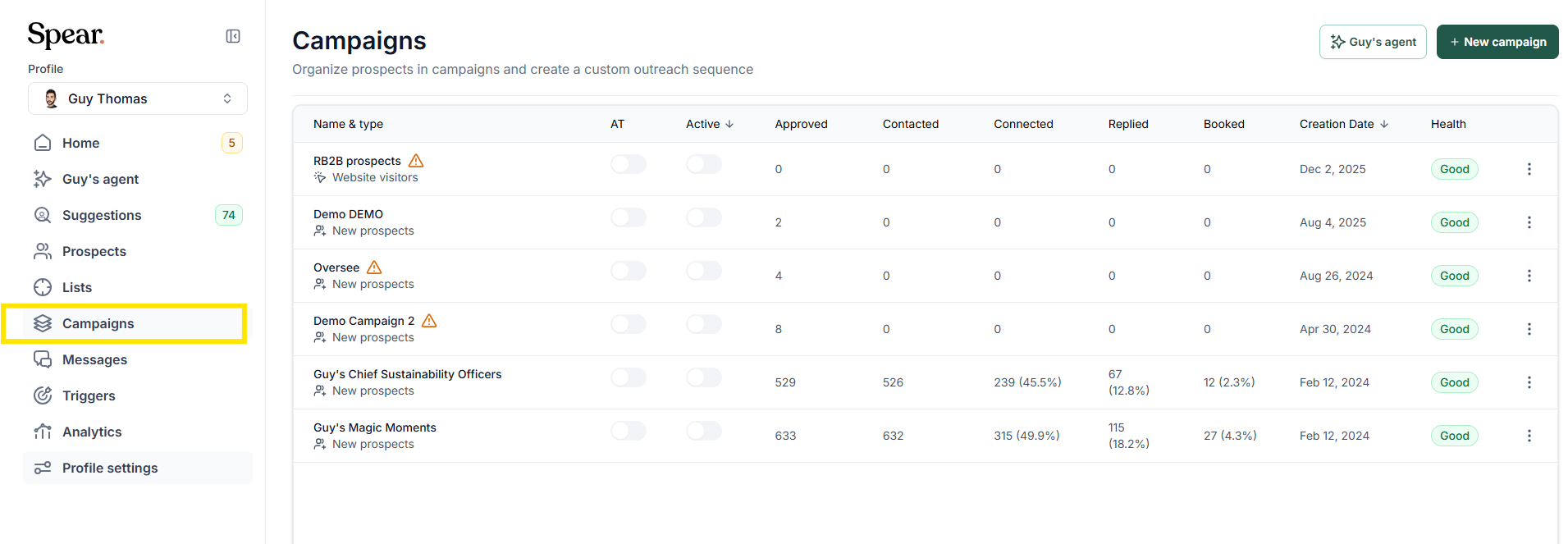
1. Open the Dashboard

- Go to the “Campaigns” section.
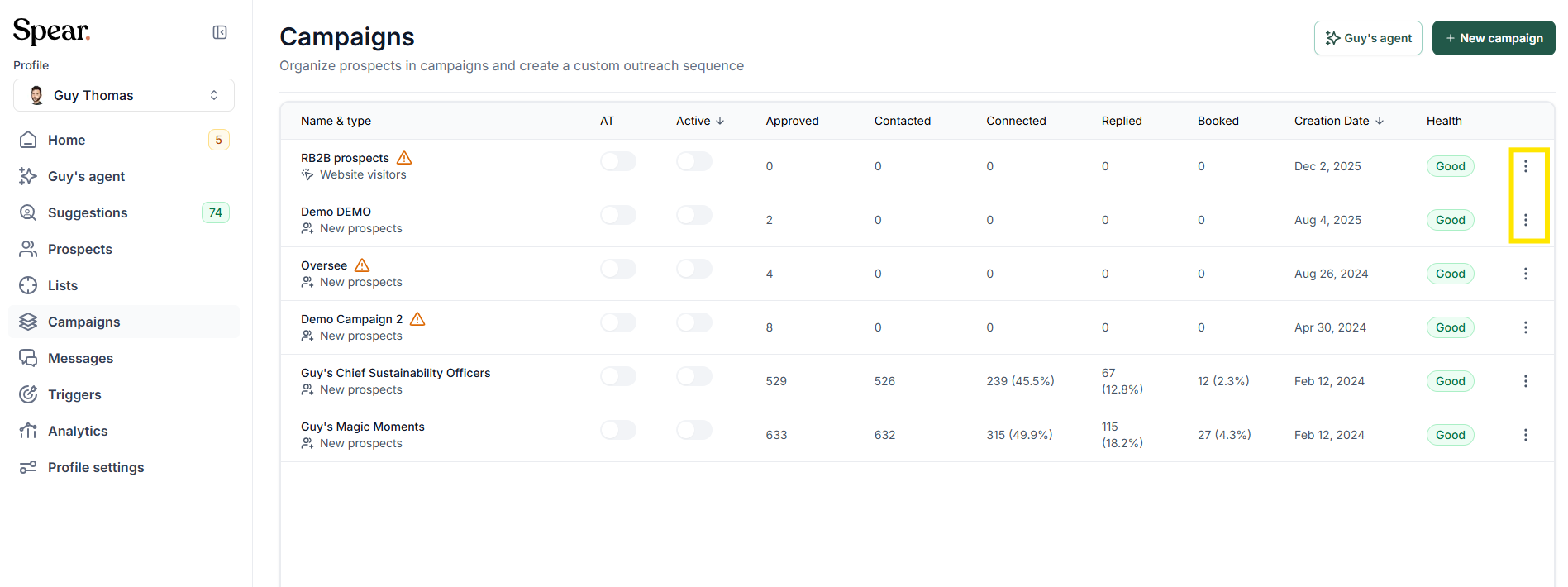
- Click the three dots on the right side of the campaign you want to duplicate.
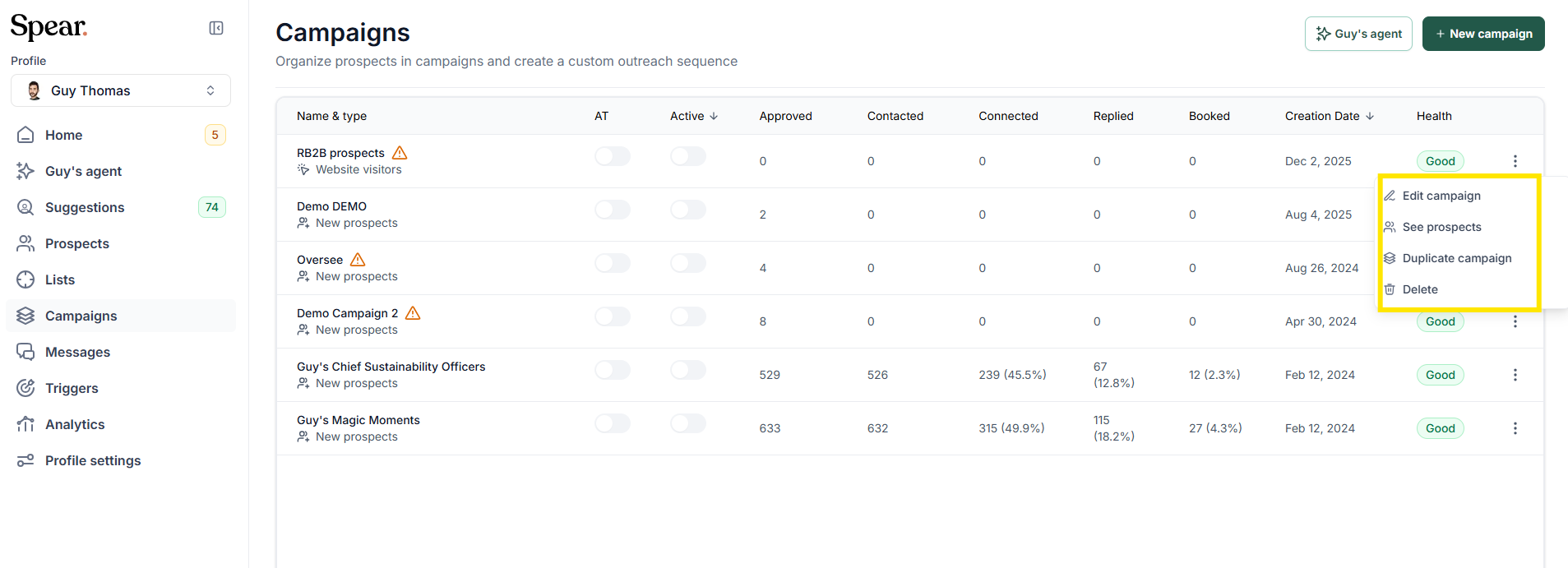
4. A menu will appear with several options.
5. Select “Duplicate campaign.”
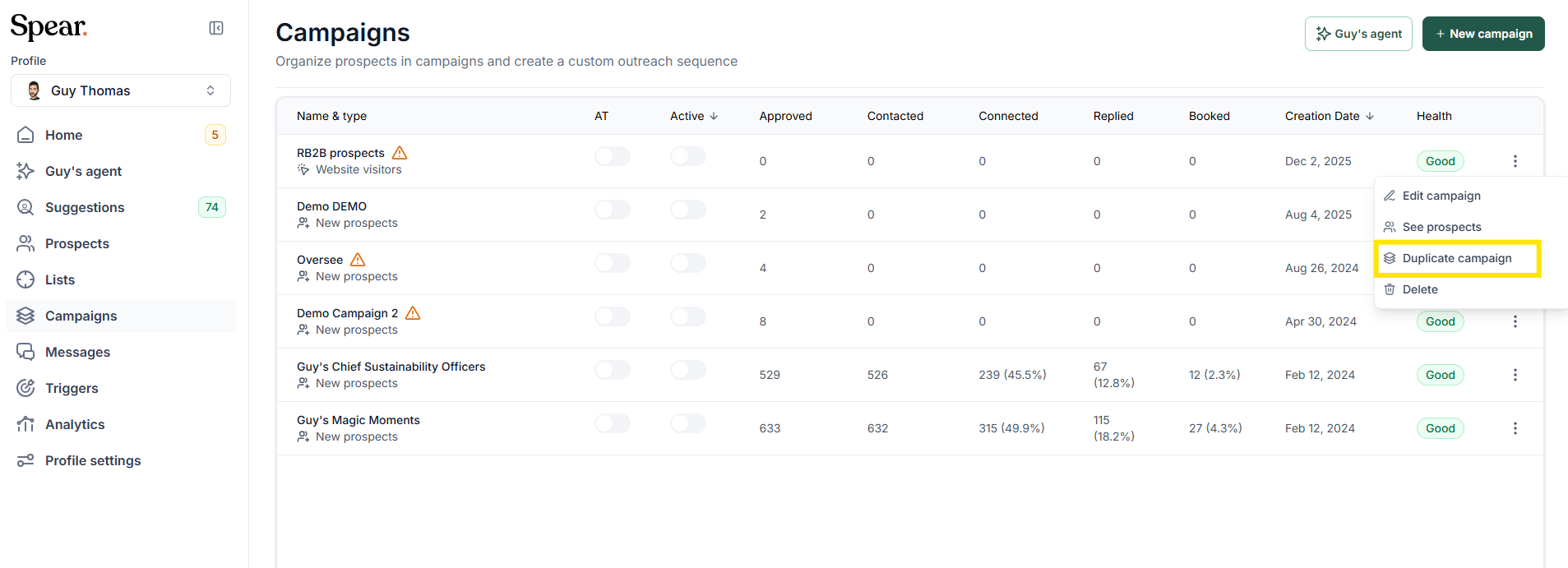
The system will automatically create a new campaign with the same configuration, ready to edit or adjust as needed.
Final Note
Duplicating campaigns is a quick way to scale your outreach while keeping your setup consistent. Always review your filters and sequences after duplication to ensure the new campaign aligns with your current targeting.


.avif)
