
How to override funnel statuses
 May 12, 2026
 5 min read
What is Override Status?
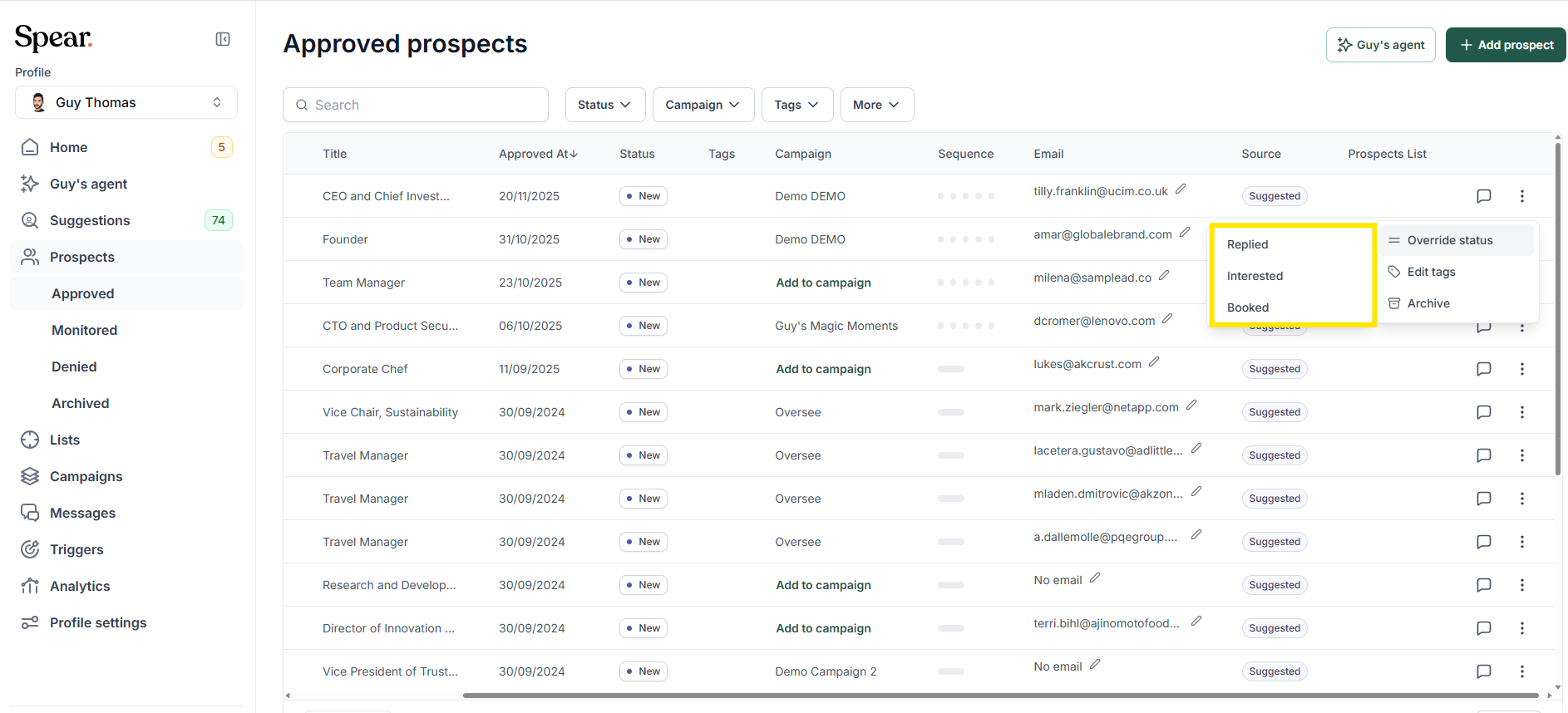
Override Status allows adjusting a prospect’s stage when the automatic classification does not match the actual interaction. The platform may interpret a reply differently from what was intended, such as distinguishing between a simple response, an interested message, or a booked meeting.
This adjustment is helpful when a meeting was booked but not detected, or when a prospect is marked as “Interested” after a neutral message like “thanks for connecting” or “sure.” Override Status makes it possible to assign the correct stage in these situations. Using Override Status ensures the classification reflects the interaction more accurately.
How to Override Status?
1. Open the 'Prospects' tab
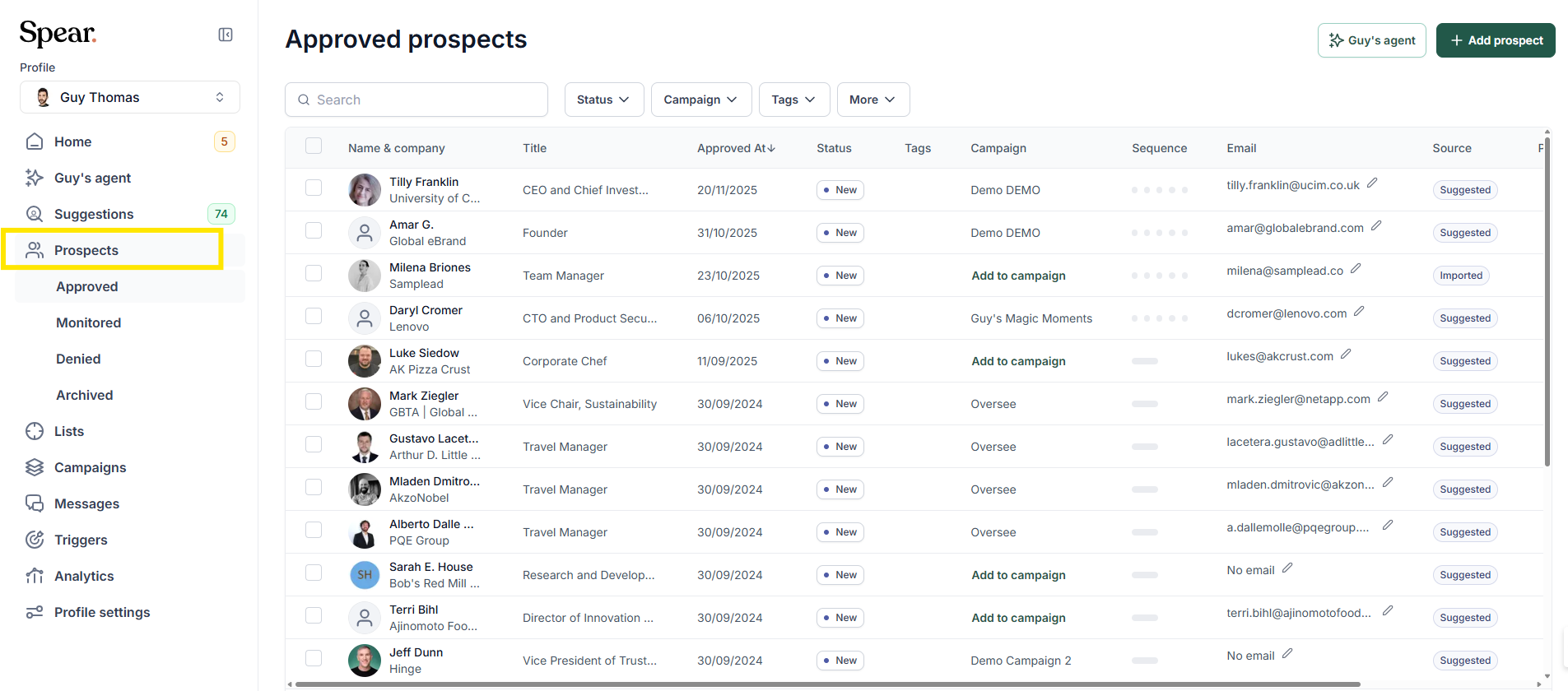
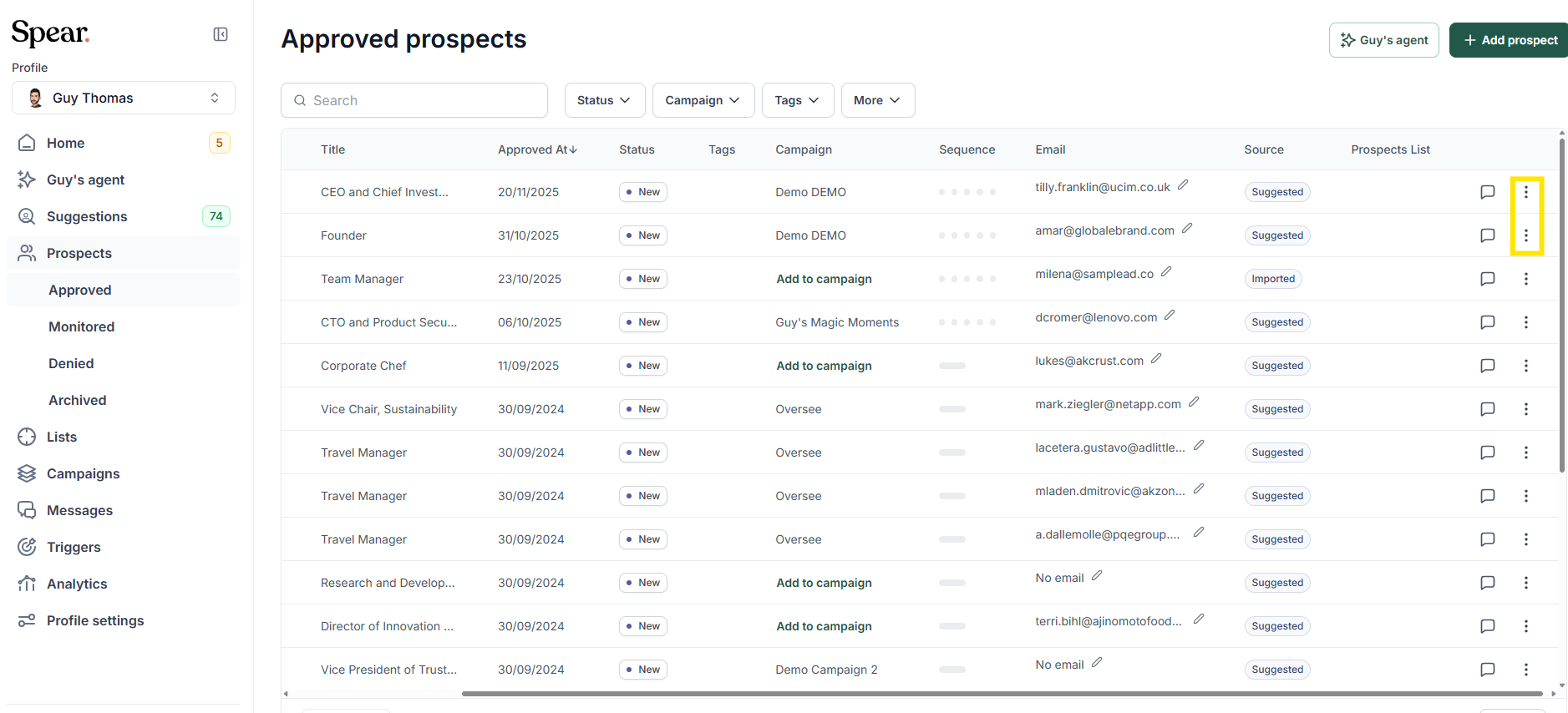
2. Override Status can be accessed from the Prospects tab. The option appears in the menu located on the right side of each prospect row. Selecting the three dots opens the actions menu, where “Override status” is available.



.avif)
