
How to set up a campaign (MA)
 May 12, 2026
 5 min read
Step 1: Start a New Campaign
1. Navigate to the Campaigns page in your Samplead dashboard.
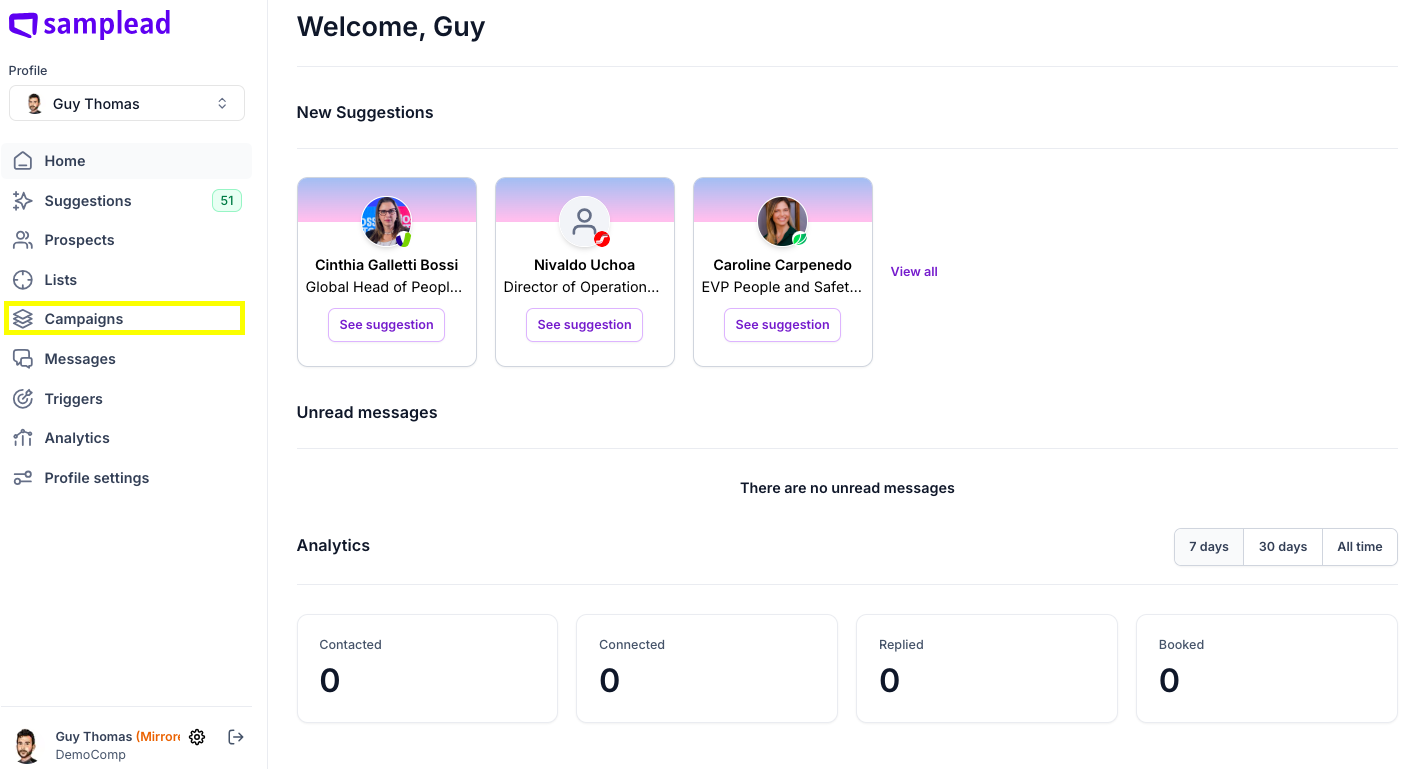
2. Click the '+ New campaign' button located at the top right of the page.

Step 2: Choose Your Campaign Type
You will be asked to choose a campaign type based on the prospects you want to reach:
- New Prospects: For new prospects you are not connected with. Get prospect suggestions and send personalized trigger-based messages.
- Existing Network: For existing LinkedIn connections. Samplead will suggest prospects from your network that match your ICP.
- Select your preferred option and click Create Campaign.

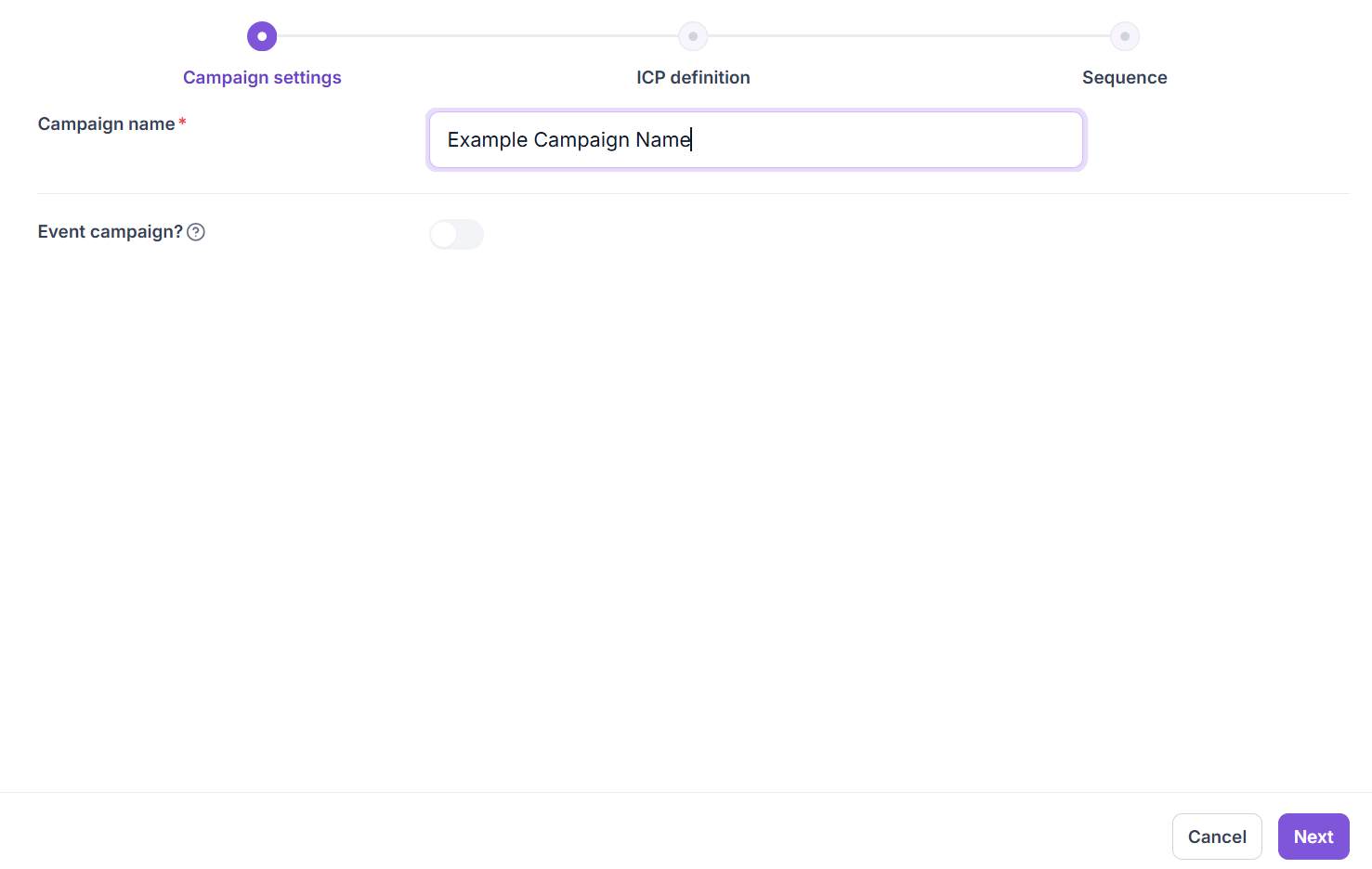
Step 3: Name Your Campaign
Enter a clear and descriptive name for your campaign in the Campaign Name field, then click Next in the bottom-right corner of your screen.
Step 4:
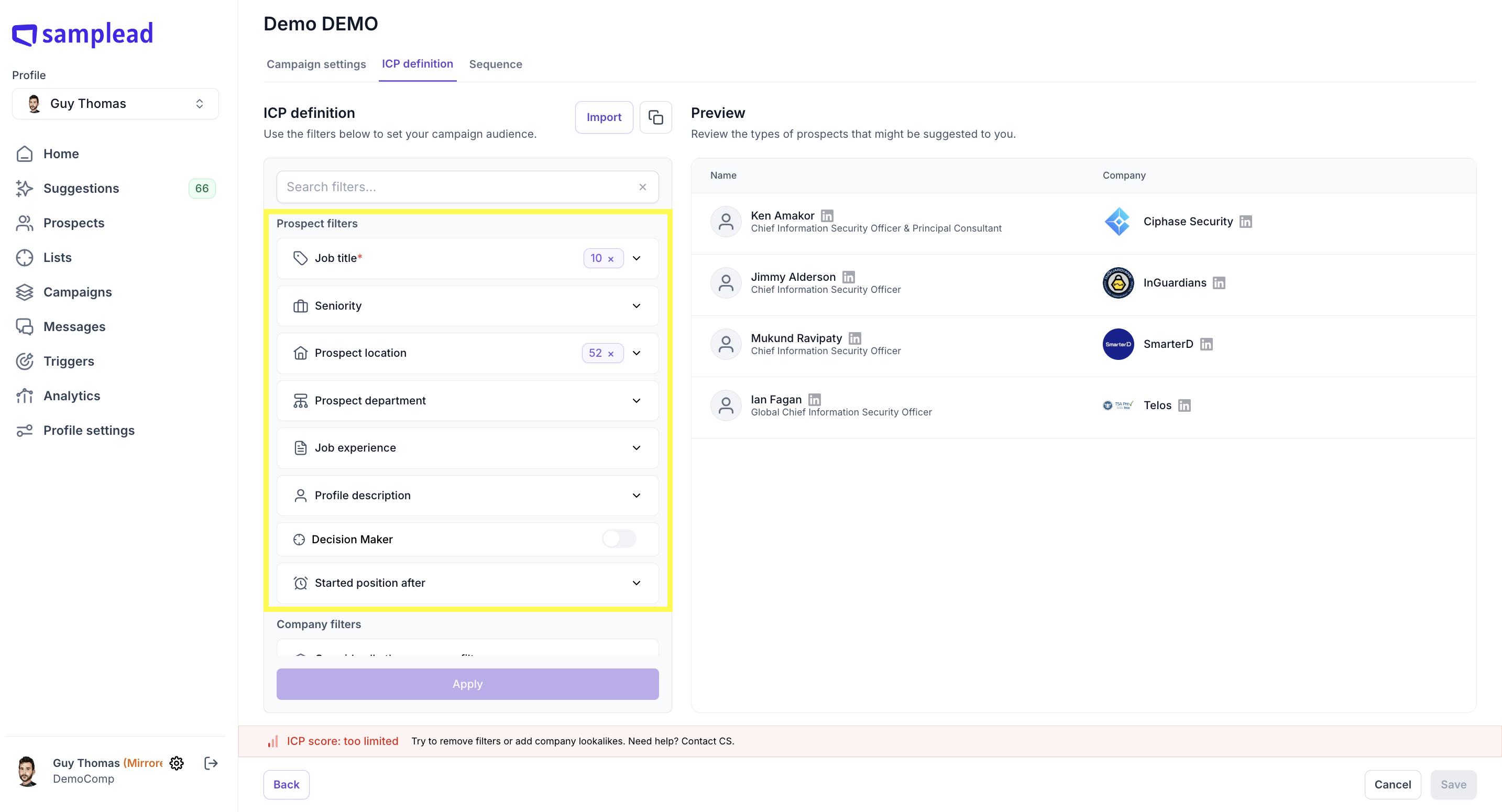
Define your ICP using the filters → click Apply. (Need help with filters? How to define your ICP for a campaign)
Step 5:
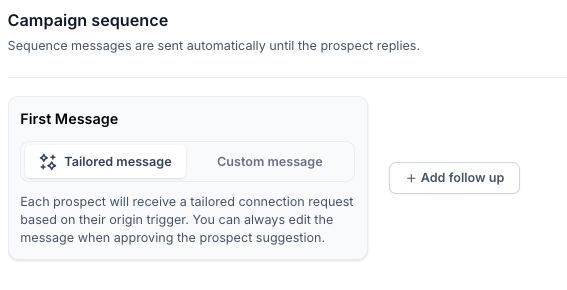
Set up your sequence: choose message type, add follow-ups, set timing → click Create Campaign.(Step-by-step guide: How to set up your campaign sequence)


.avif)
