Home>Knowledge Base>Messages>What do the different prospect statuses mean (MA)

What do the different prospect statuses mean (MA)

Calendar icon marking the date this article was publishedMay 12, 2026
Clock icon marking how long this article takes to read5 min read

What do the different prospect statuses mean?

Prospect statuses in Spear fall into two categories: Suggestion Statuses and Funnel Statuses. Each category reflects a different stage in the prospect journey.

  • Suggestion statuses indicate how a prospect was handled during the review phase, before entering the outreach process.
  • Funnel statuses show the prospect's progress once outreach actions begin.

Suggestion Statuses: Where can I see them?

1. Open the Dashboard
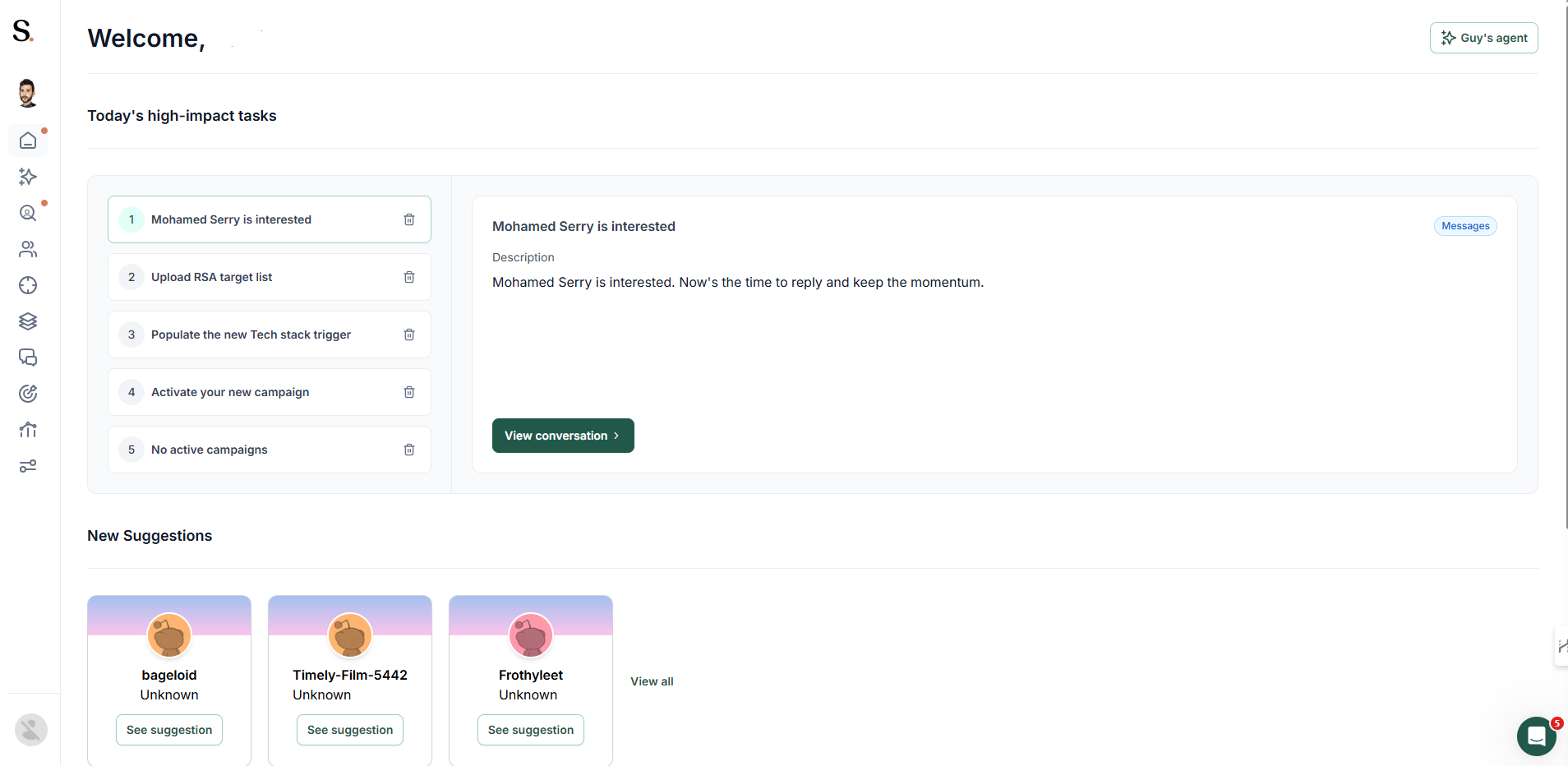
Home screen listing today's high impact tasks with the selected task detailed beside them, and new prospect suggestion cards below

2. Select the "Prospects" tab

Side navigation with the prospects item itself highlighted, opened into its approved, monitored, denied and archived views

Suggestions Status Definitions

1. Approved

Approved The prospect was marked as suitable to move into outreach. This confirms they fit the campaign criteria and immediately queues them to enter the active sequence.
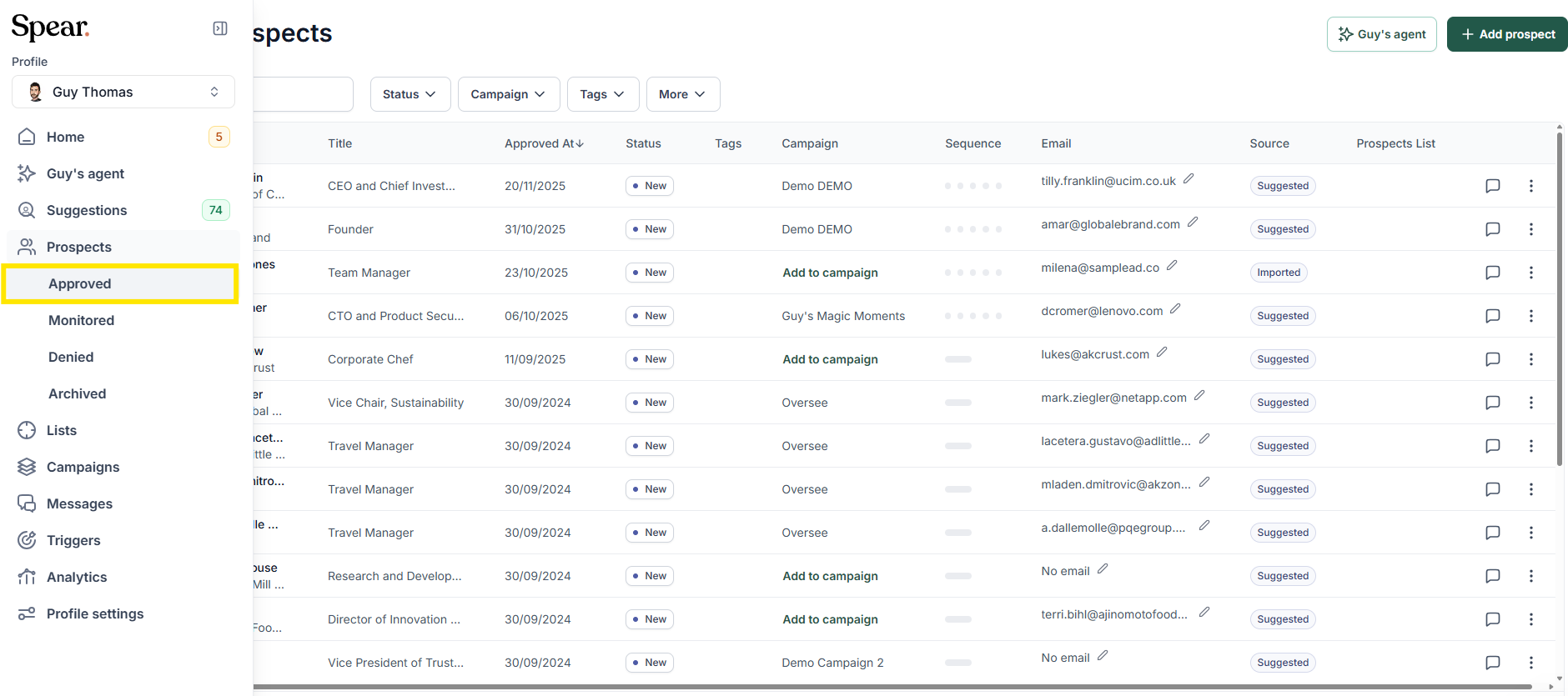
Prospects menu expanded in the side navigation with the approved view highlighted, over the table of prospects

2. Denied

The prospect was marked as not suitable and excluded from outreach. No messages will be sent to this individual.
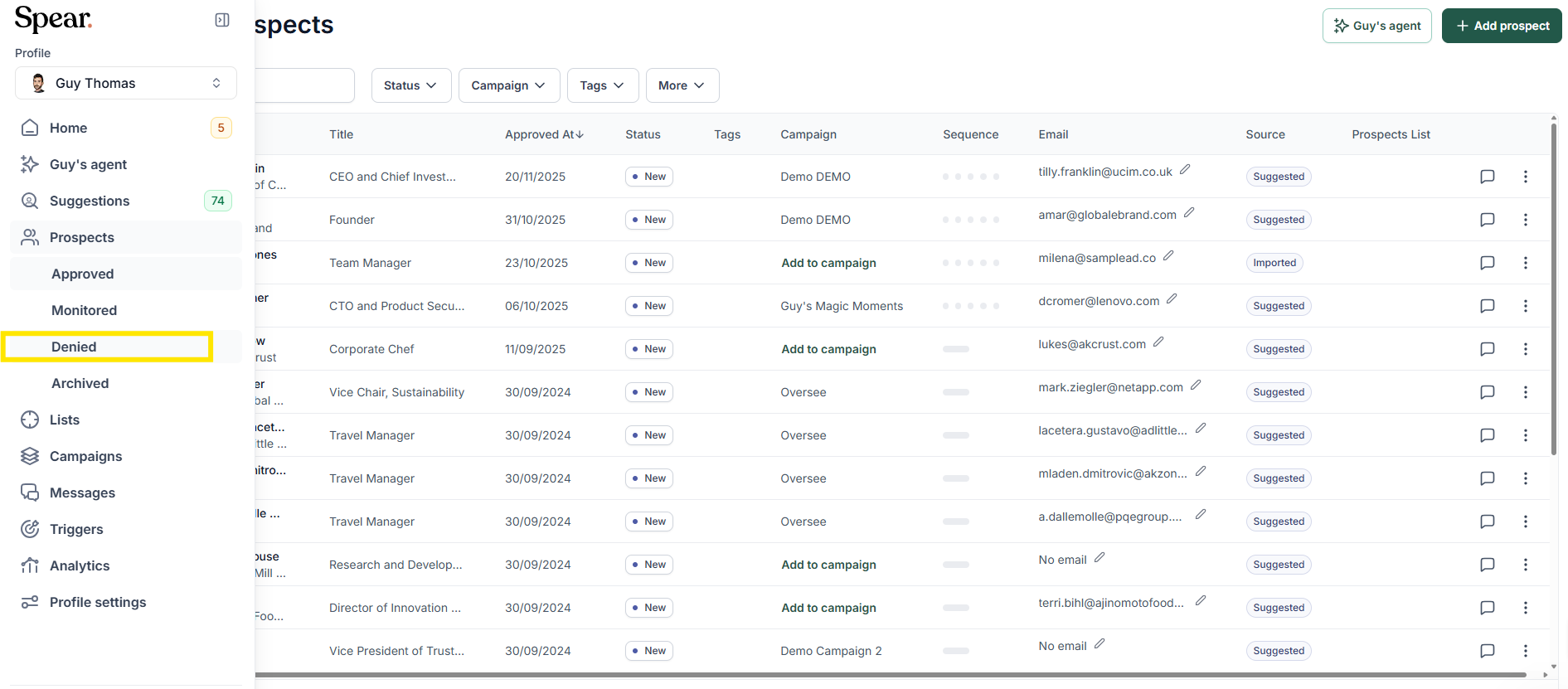
Prospects menu expanded in the side navigation with the denied view highlighted, over the table of prospects

3. Monitored

The prospect fits your ICP, but the trigger isn't right at this moment. The system will re-suggest them when a more relevant signal is found.
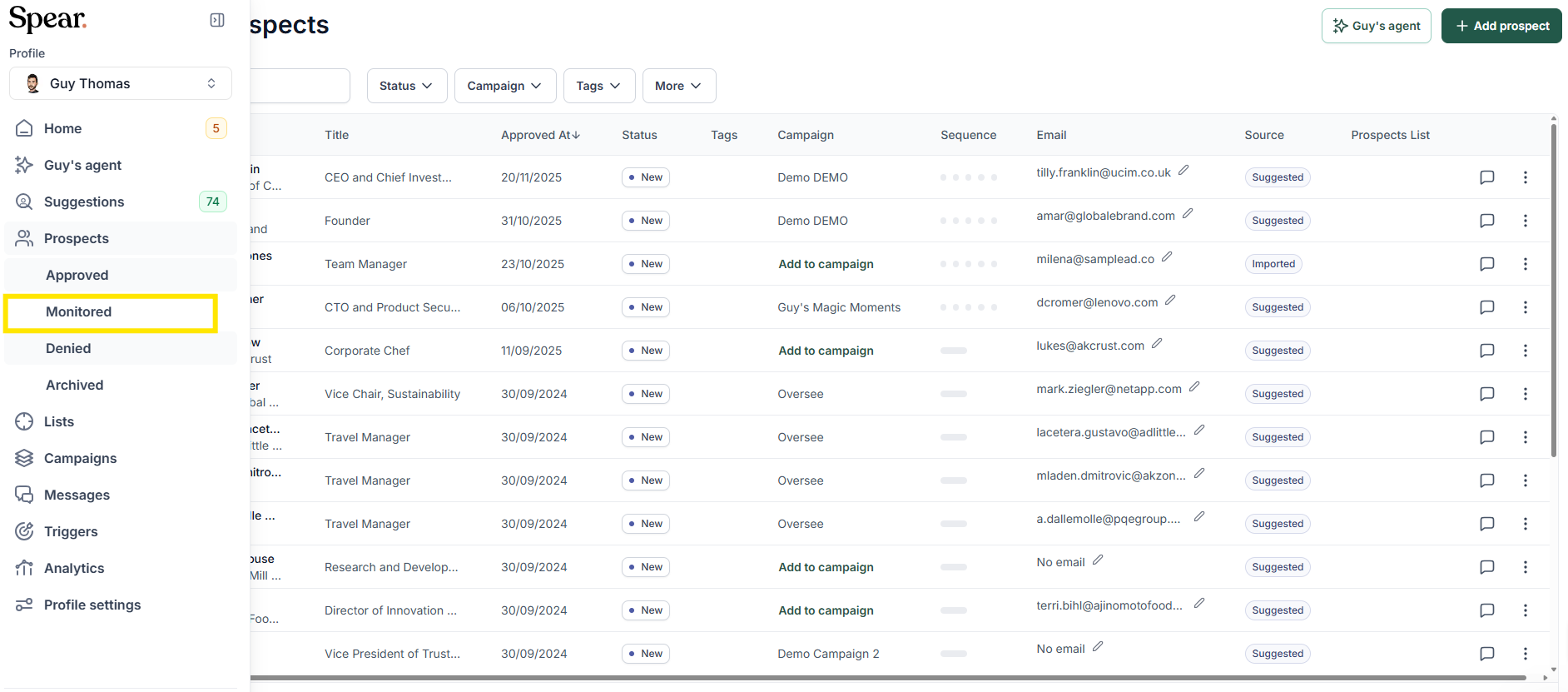
Prospects menu expanded in the side navigation with the monitored view highlighted, over the table of prospects

4. Archived

Removed from your main view without being deleted. They stay saved in the system but will not receive any messages while in this state.

Prospects menu expanded in the side navigation with the archived view highlighted, over the table of prospects

‍

Sign up for Updates

Get the playbook on outbound that actually converts.

We care about data. Check out our privacy policy.

Thank you!
Your submission has been received!
Oops! Something went wrong while submitting the form.
Line illustration of a spear on a coral background, beside the newsletter signup

Turn Triggers Into Pipeline

With Spear, companies leverage trigger-based outbound to craft a quality-driven GTM motion that actually books meetings.

Illustration of a person holding a spear on a hilltop path at sunriseIllustration of a person holding a spear on a hilltop path at sunrise