How to integrate Spear to Slack
 May 12, 2026
 5 min read
Spear to Slack
Integrating Spear with Slack brings your prospect pipeline directly into your daily workspace. This feature streamlines your workflow by delivering real-time notifications about high-priority updates, ensuring you can manage opportunities without constantly checking the dashboard.
Before getting started, make sure you have:
- An active Slack account.
- Credentials of the Slack account.
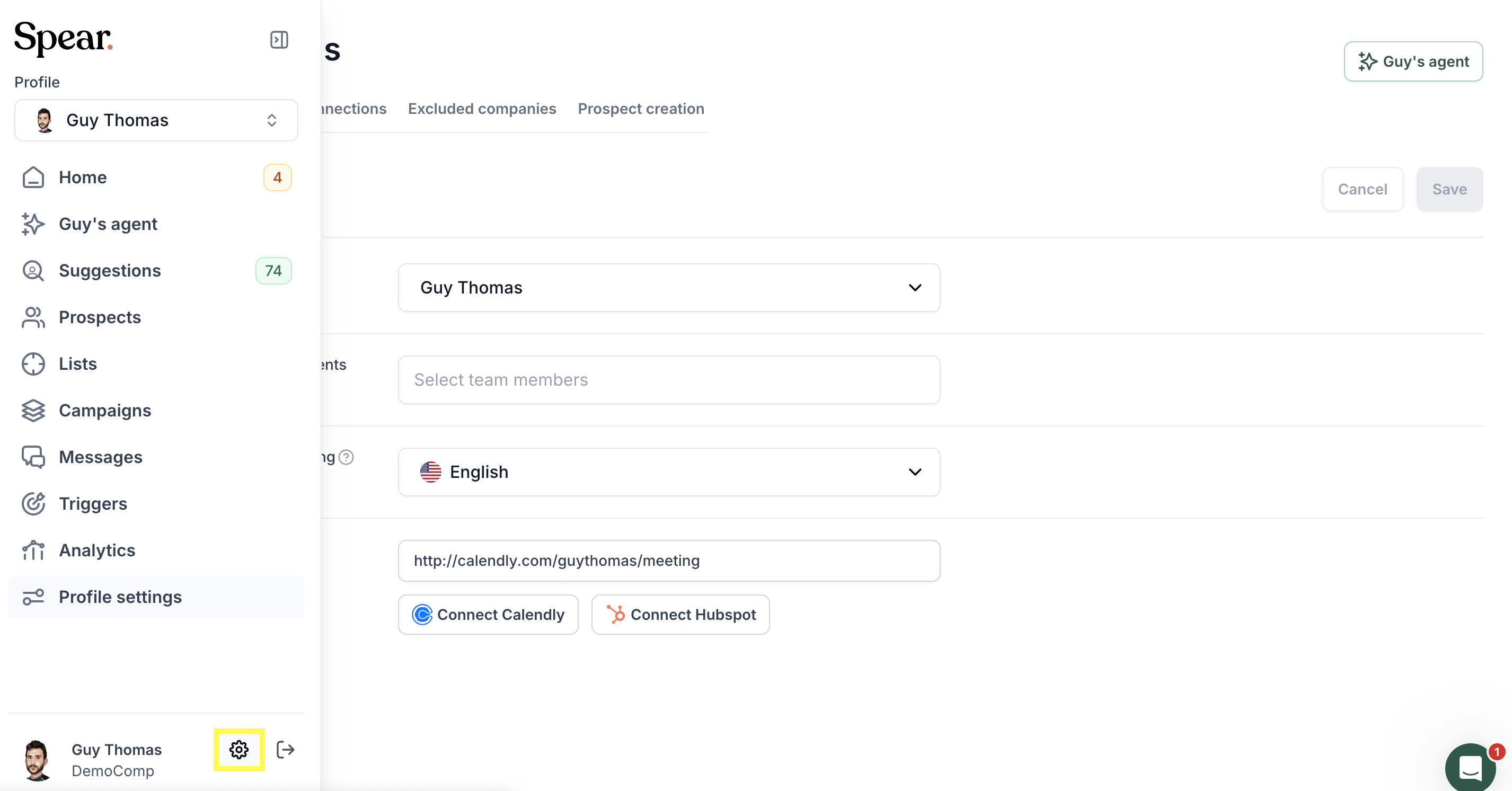
Step 1: In the bottom left corner, click the gear icon.
Step 2: Click the 'Integrations' button.
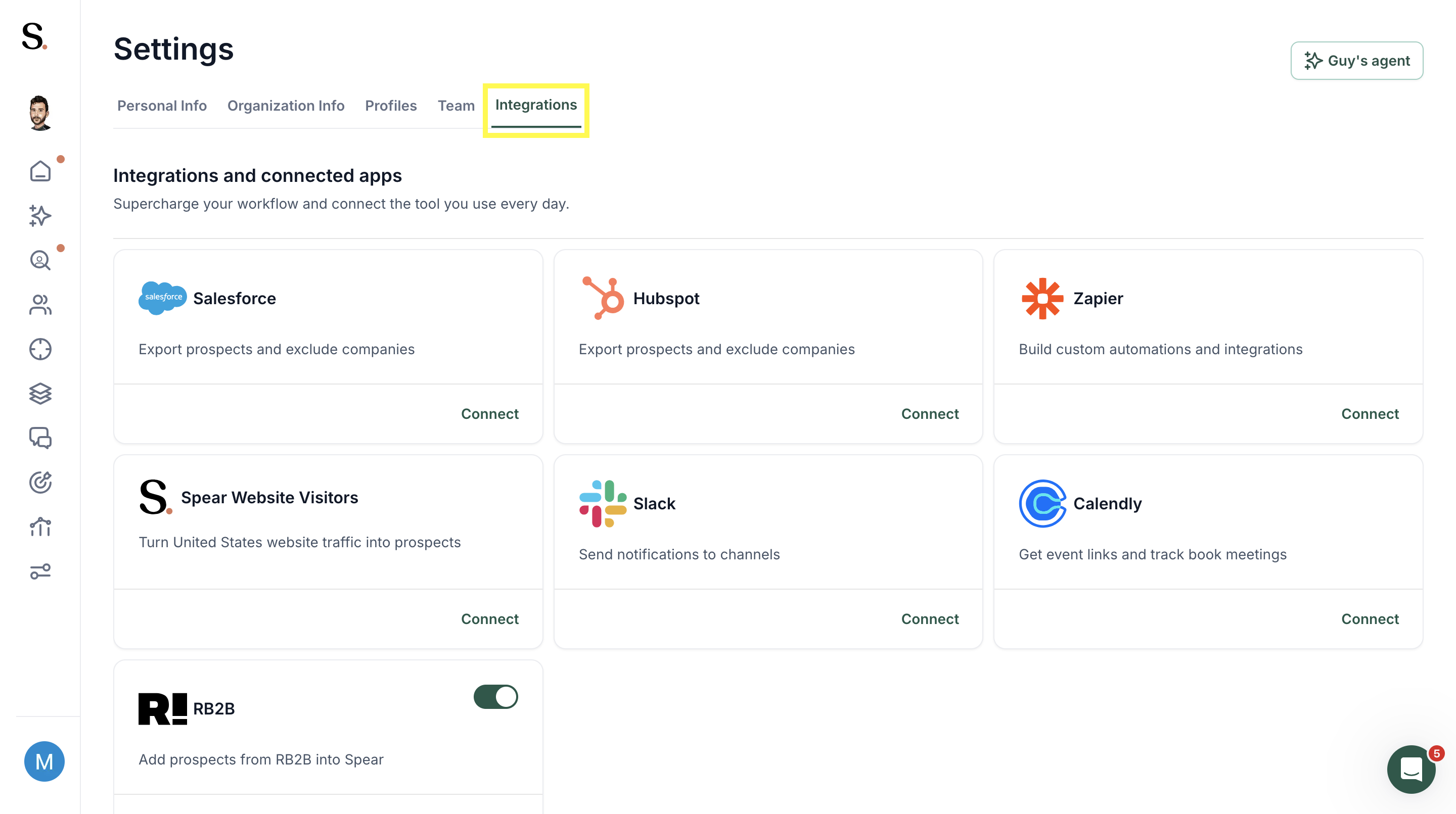
Step 3: Connect to Slack.

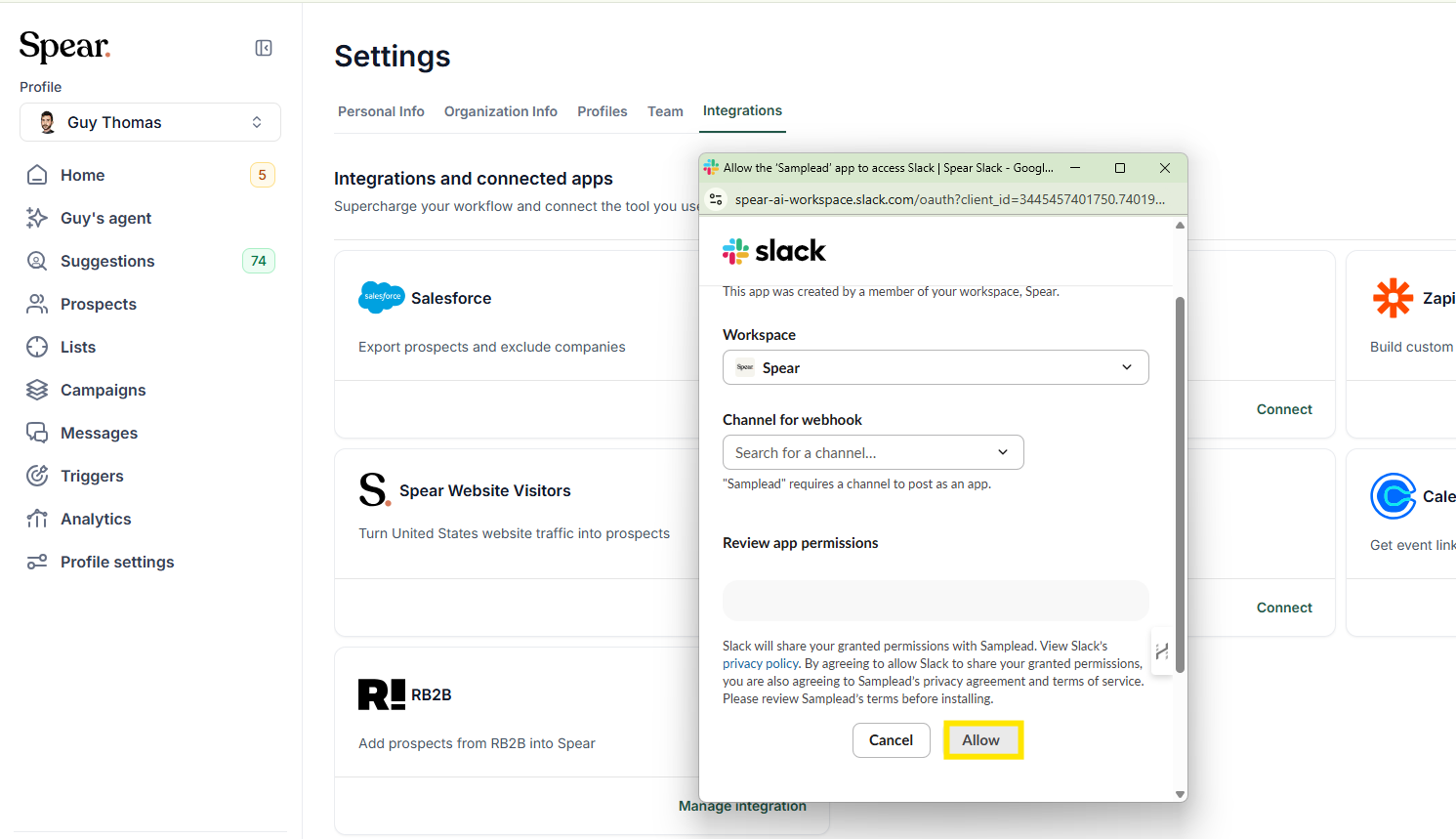
Step 4: Click "Allow" to grant Spear access to your Slack workspace, then select the channel where you want to receive notifications.
Useful Tips and Best Practices
Stay Consistent & Informed: Enable both Daily prospect suggestions and Website visitor alerts to build a daily review habit while ensuring you catch high-intent leads the moment they engage.
Team Visibility: If you cannot address a notification immediately, forward it to a teammate in Slack to ensure the opportunity is handled right away.
Easy Disconnect: If you need to change workspaces or stop alerts, simply use the red Disconnect button to unlink the integration instantly.
Related Articles
Ready to act on these notifications? Now that your alerts are set up, read our guide on How to approve and deny prospects to quickly process the suggestions you receive in Slack.


.avif)