What are the Personalized Triggers? (MA)
 May 12, 2026
 5 min read
Personalized Triggers are custom triggers that you configure with your own keywords, URLs, or settings. They let you target prospects based on very specific online activity relevant to your offer.
To access them: go to Triggers → Personalized Triggers section.
Most of these require setup before activating. Click Edit to configure each one.
LinkedIn Posts – General Identifies prospects who posted, reposted, commented on, or reacted to any LinkedIn post. Use this for broad LinkedIn activity monitoring.

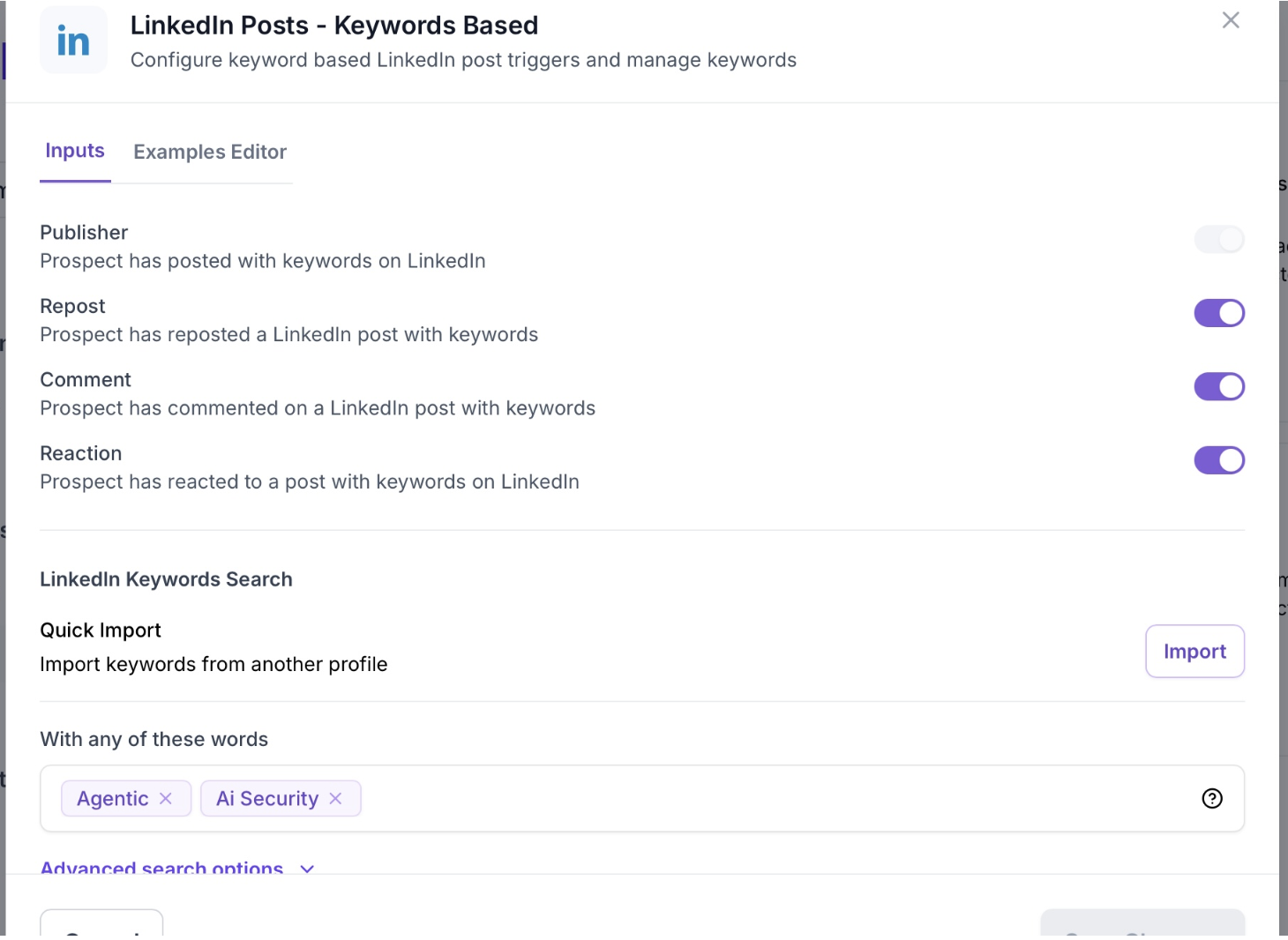
LinkedIn Posts – Keywords Based Identifies prospects who engaged with LinkedIn posts containing your defined keywords.
- Click Edit → add keywords
- Use "with any of these words" (not "all") to avoid overly narrow results
LinkedIn Posts – User-Selected Posts Tracks engagement on a specific LinkedIn post URL that you define.
- Click Edit → paste the post URL
- Useful for monitoring engagement on a competitor post, your own content, or a campaign asset
LinkedIn Posts – Influencer Tracks prospects who engaged with posts from a specific LinkedIn person.
- Click Edit → paste the LinkedIn profile URL
LinkedIn Posts – Company Tracks prospects who engaged with posts from a specific LinkedIn company page.
- Click Edit → paste the company LinkedIn page URL
Social
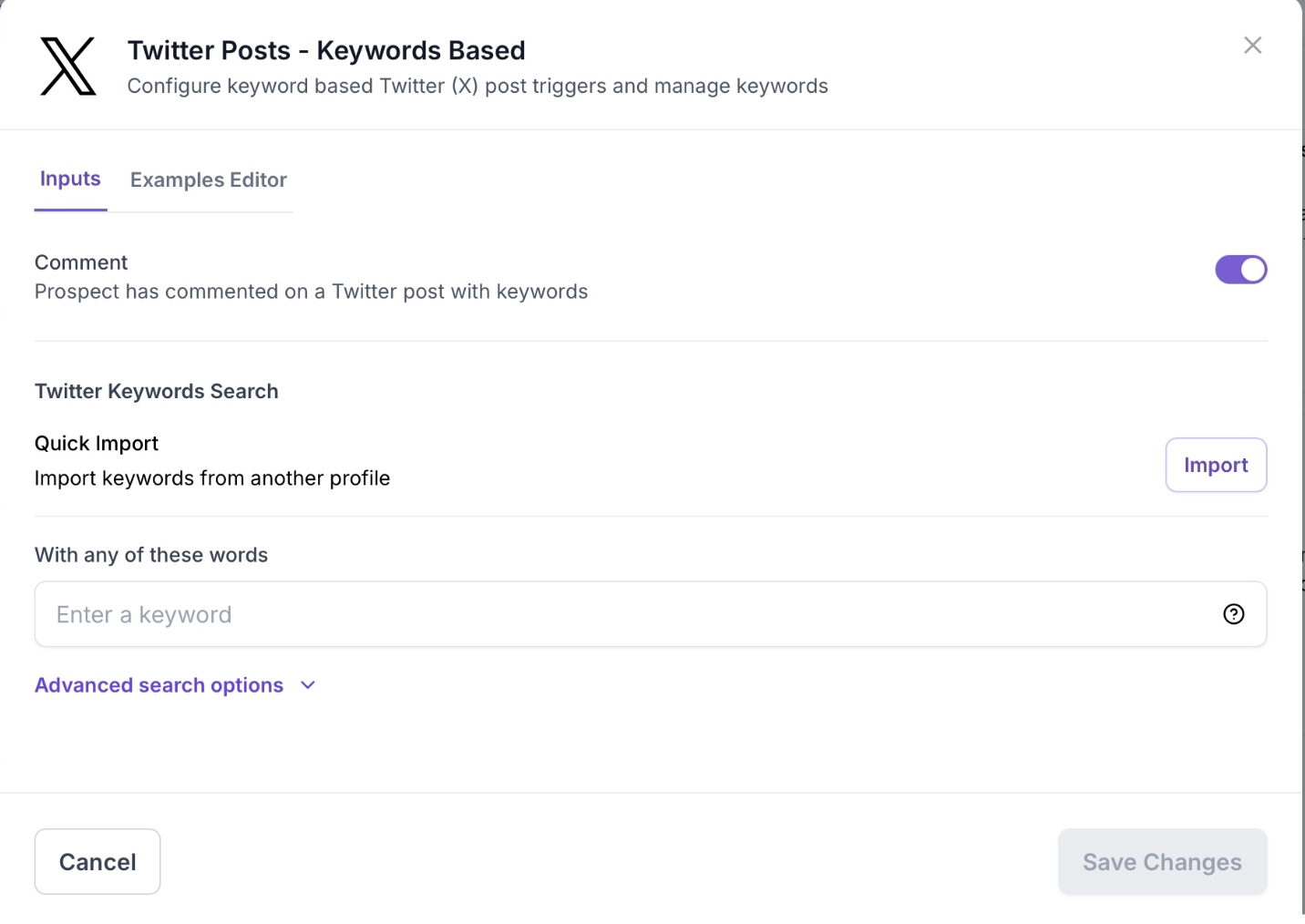
Twitter (X) Posts – Keywords Based Identifies prospects who commented on Twitter posts containing your defined keywords.
- Click Edit → add keywords
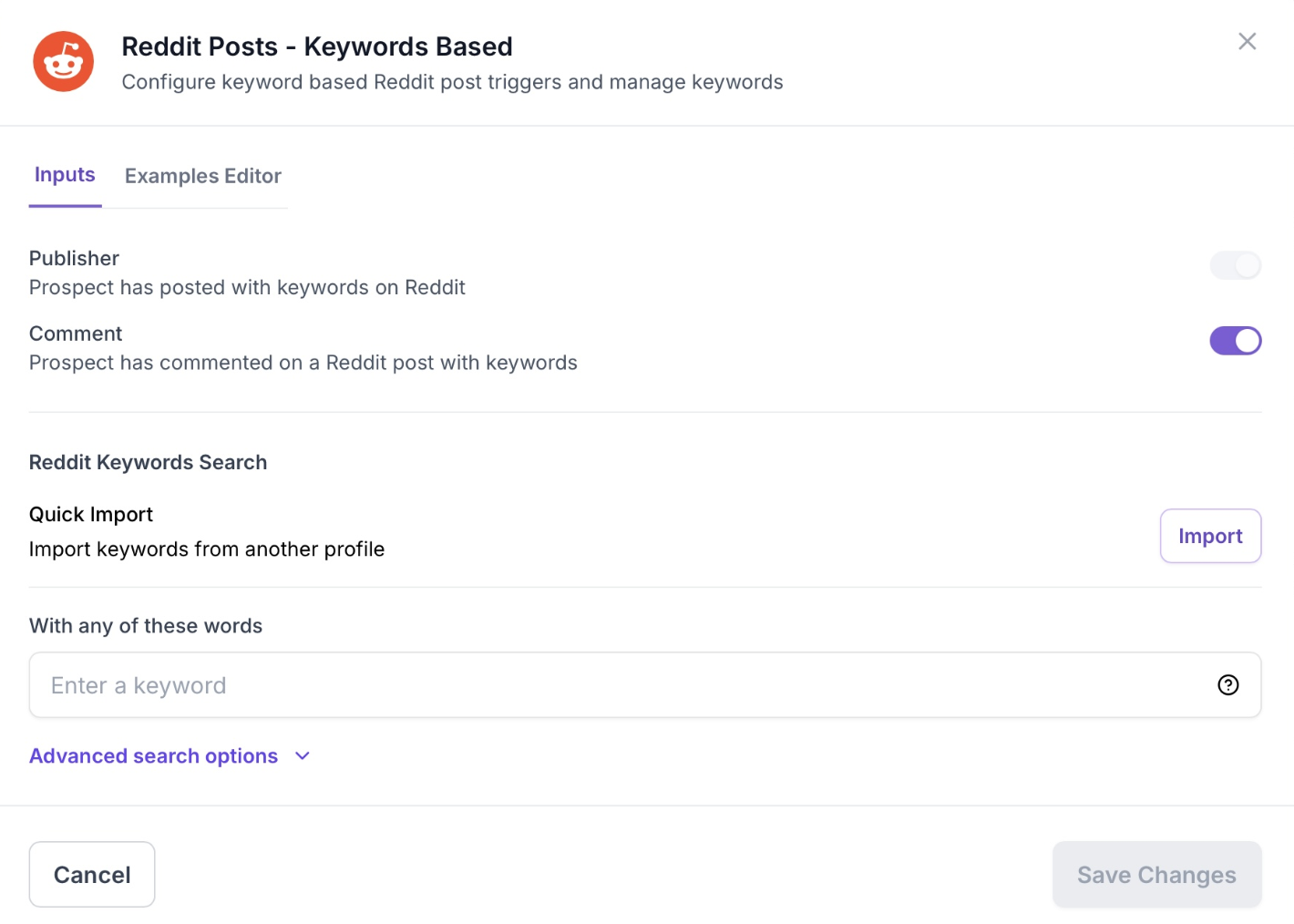
Reddit Posts – Keywords Based Identifies prospects who posted or commented on Reddit with your defined keywords.
- Click Edit → add keywords
Tech & Dev
GitHub Identifies prospects from companies that engaged with selected GitHub repositories.
- Click Edit → paste repository URLs

Media
Podcast Identifies prospects who appeared as a guest, host, or co-host on a podcast episode.
- Click Edit → add relevant keywords to narrow results

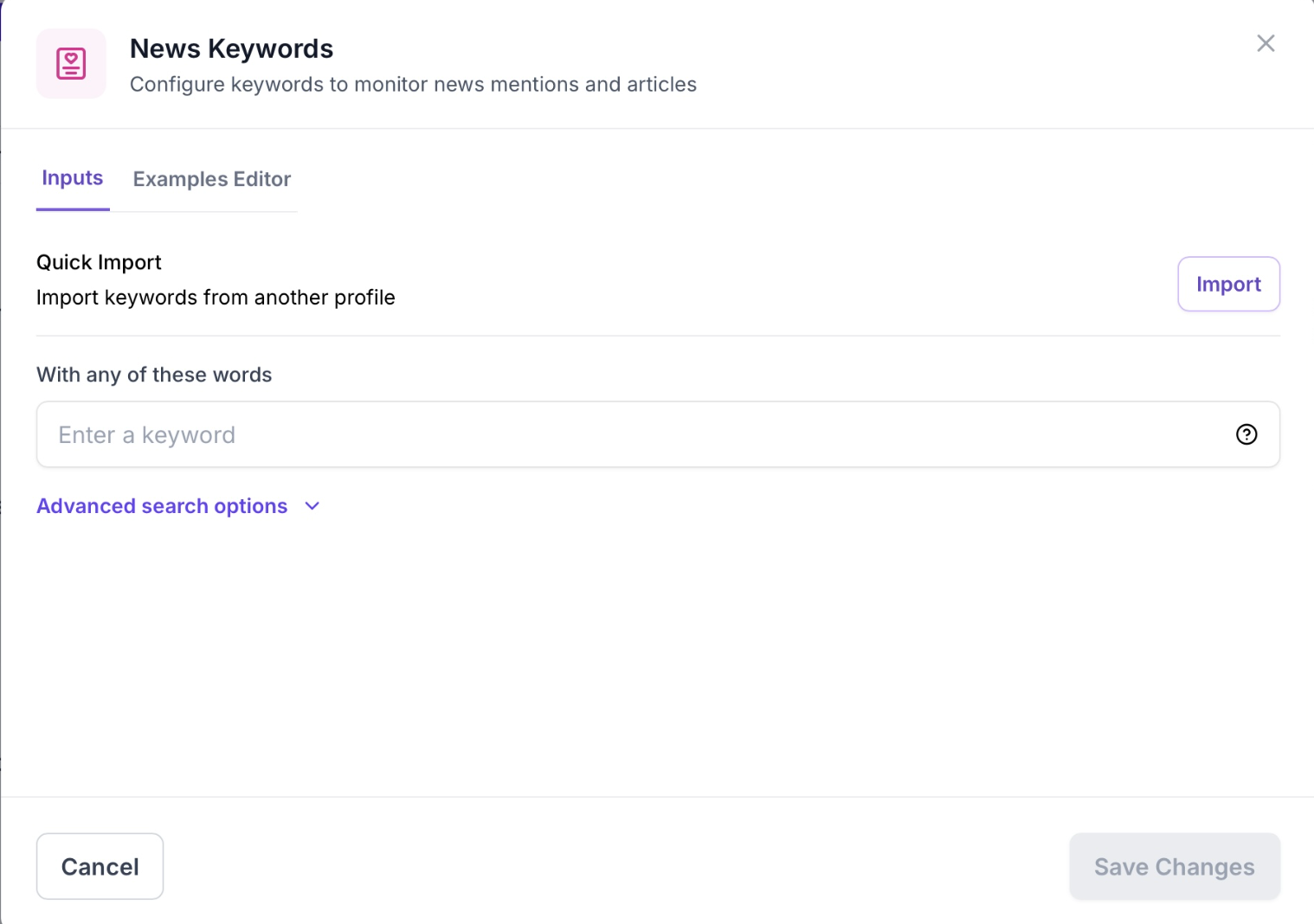
News Keywords Identifies prospects from companies mentioned in news articles containing your keywords.
- Click Edit → add keywords
Hiring
Job Post Trigger Identifies prospects from companies currently hiring for roles relevant to your offer.
- Requires full configuration: select campaigns, enter job titles, set timeframe, and add keywords
- Generates up to 5 prospects per day

Tech Stack Trigger Identifies prospects from companies using specific technologies you define.
- Click Edit → enter technology names (e.g., Salesforce, HubSpot, AWS)

👉 Related Articles


.avif)