
What are the Predefined Triggers? (MA)
 May 12, 2026
 5 min read
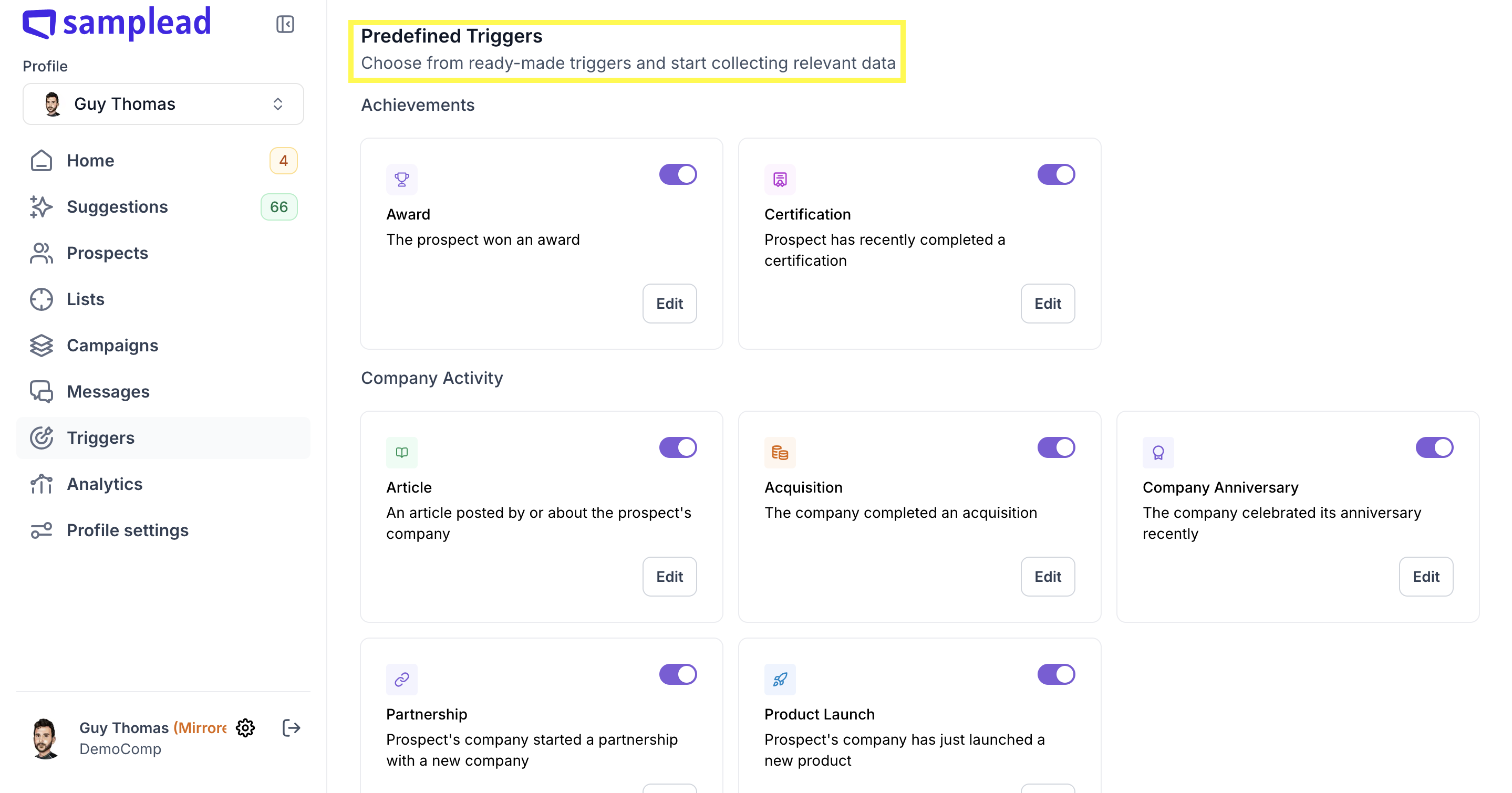
Predefined Triggers are ready-to-use signals that require no keyword setup. Just toggle them on and set your lookback window.
💡 Each trigger has one setting: "Activity happened within the last (months)". The default varies by trigger — adjust it to match how fresh you want the signal to be.
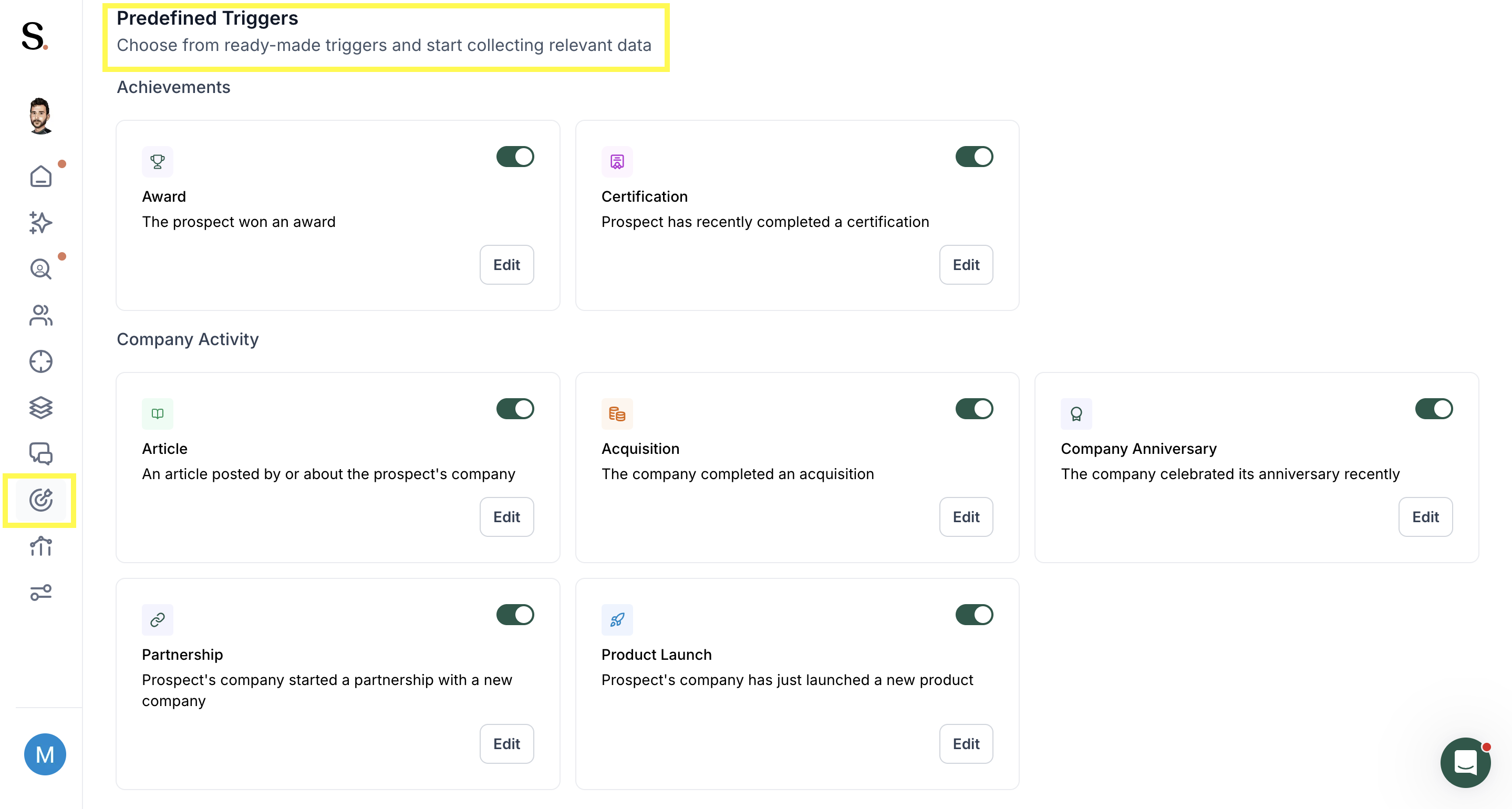
Achievements
- Award — The prospect won an award (default: 9 months)
- Certification — Prospect completed a certification (default: 9 months)
Company Activity
- Article — An article posted by or about the prospect's company (default: 3 months)
- Acquisition — The company completed an acquisition (default: 9 months)
- Partnership — Prospect's company started a partnership (default: 3 months)
- Product Launch — Prospect's company launched a new product (default: 3 months)
- Company Anniversary — The company celebrated its anniversary (default: 9 months)
Events
- Event Speaker — Prospect is going to publicly speak at an event (default: 9 months)
- Physical Event — Prospect is participating in a physical event (default: 9 months)
- Web Event — Prospect is participating in a web event (default: 9 months)
Financial
- Financial Report — Spear found relevant data in the company's financial reports (default: 9 months)
- Funding Round — Company announced a funding round (default: 3 months)
Interviews
- Video — Prospect appeared in a video (default: 9 months)
- Interview — Prospect was interviewed (default: 9 months)
Job Status
- New Job — Prospect has recently started a new job (default: 6 months)
- New(ish) Job — Prospect has started a job not too long ago (default: 9 months)
- Promotion — Prospect got a promotion (default: 6 months)
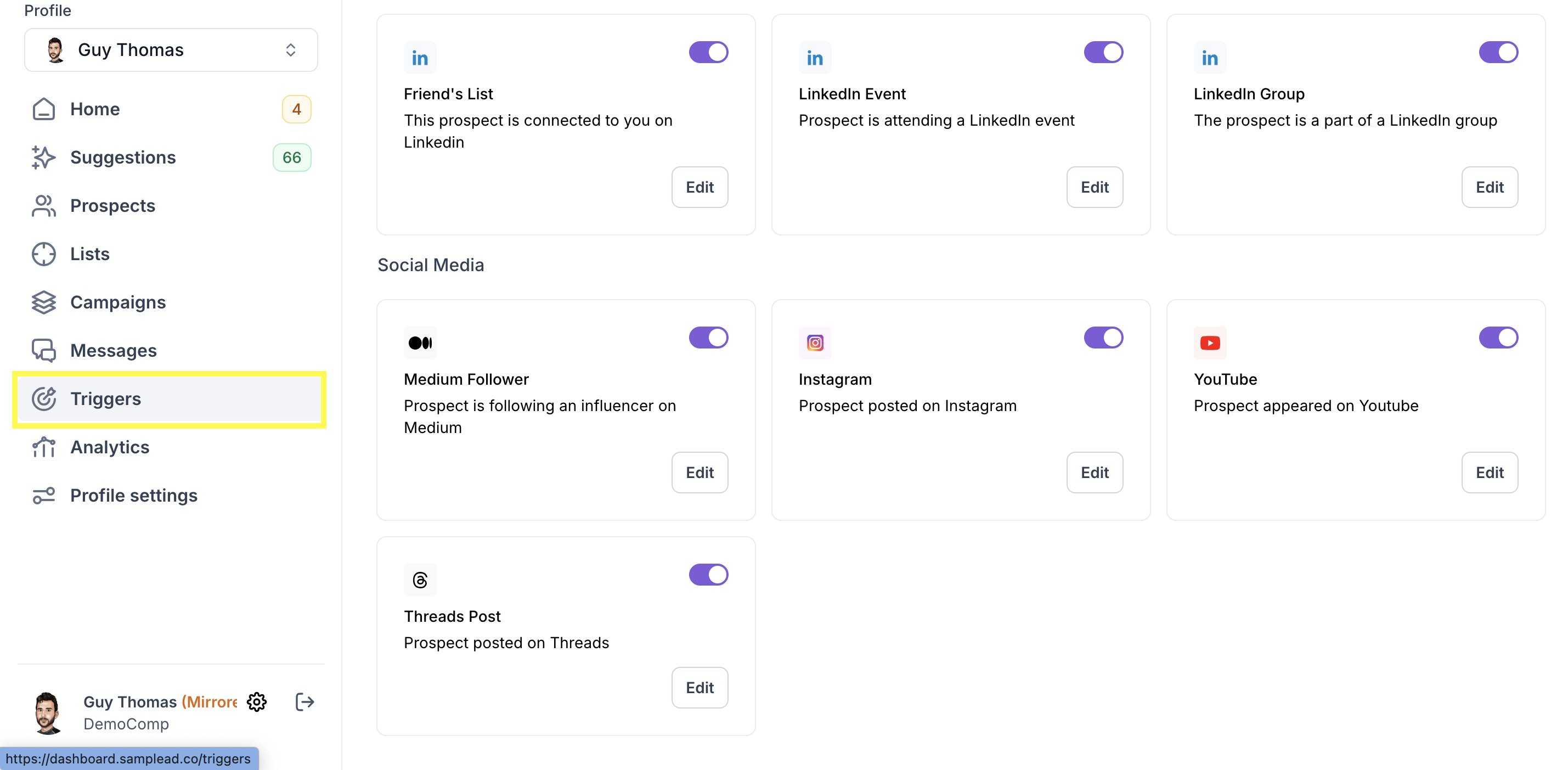
- Friend's List — The prospect is connected to you on LinkedIn (default: 9 months)
- LinkedIn Event — Prospect is attending a LinkedIn event (default: 9 months)
- LinkedIn Group — The prospect is part of a LinkedIn group (default: 9 months)
Social Media
- Medium — Prospect is following an influencer on Medium (default: 9 months)
- Instagram — Prospect posted on Instagram (default: 9 months)
- YouTube — Prospect appeared on YouTube (default: 9 months)
- Threads Hub — Prospect posted on Threads (default: 9 months)
How do I activate a Predefined Trigger?
- Go to Triggers in the left menu.
2. Scroll to the Predefined Triggers section.
3. Click Edit on the trigger you want to configure.

- Set the number of months in the lookback window.

5. Click Save Changes.

6. Toggle the trigger ON.
👉 Related Articles


.avif)
