
Why am I not seeing any leads?
 May 12, 2026
 5 min read
If you’re not seeing new leads in Spear, it’s usually due to one of these reasons:
- ICP too narrow
- Too many prospects in Suggestions
- No campaigns active
1. Your ICP definition is too narrow
Your ICP (Ideal Customer Profile) determines which prospects appear in Suggestions.
If your filters are too restrictive, Spear may not find enough Prospects that fit your ICP.
Signs
- The Suggestions page shows 0 results
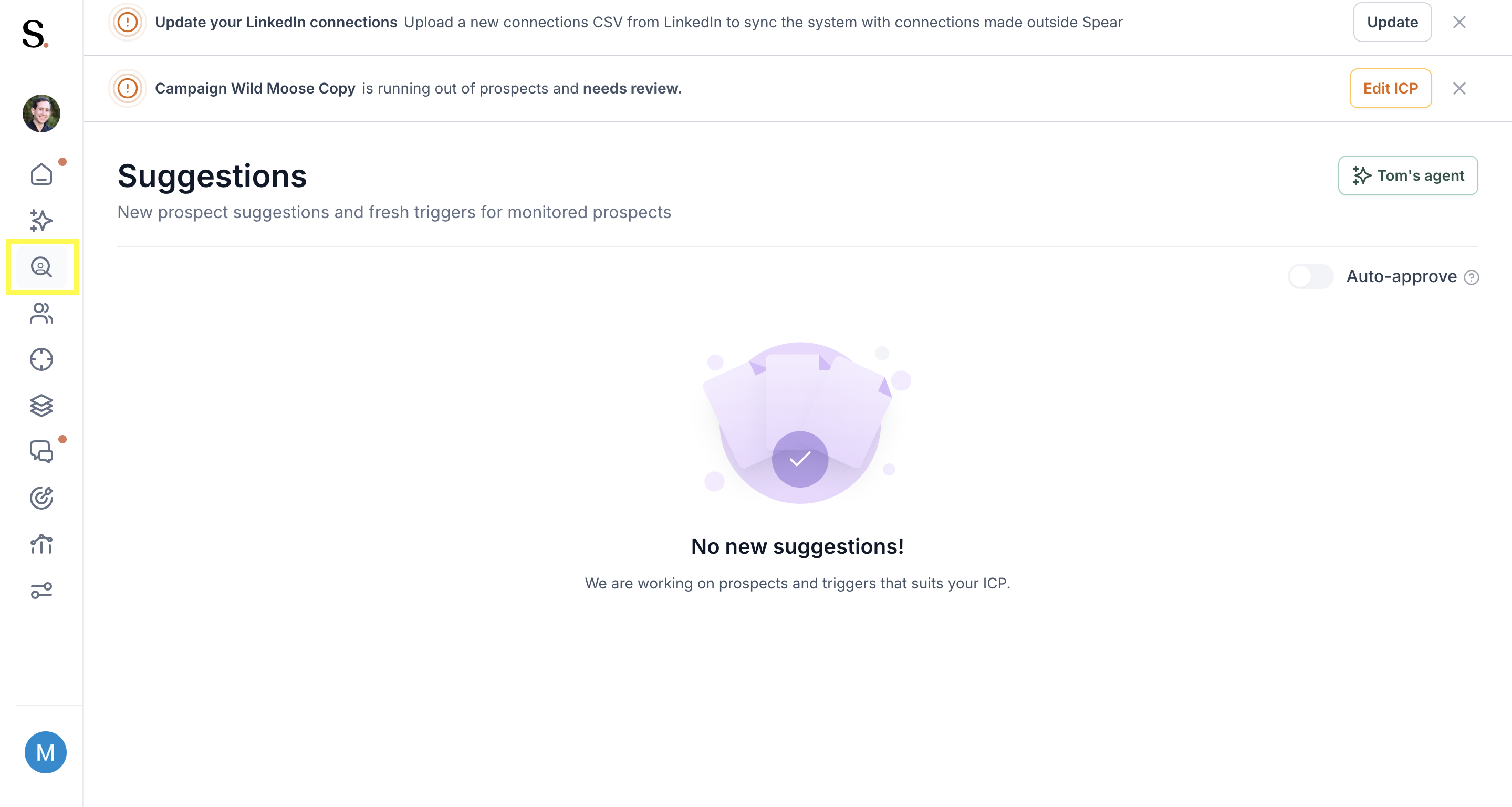
- You only get a handful of new leads
- After updating your ICP, the number of results dropped significantly
How to fix it
Broaden your ICP:
- Include more industries
- Add more locations
- Reduce seniority restrictions
- Use wider job title groups
- Remove optional filters
A good ICP should guide the system—not block it.
👉 For more information read these articles:
Help, ICP too limited - What does this mean
2. You have too many prospects in Suggestions
If your Suggestions list is full, Spear won’t generate new prospects until you review the existing ones.
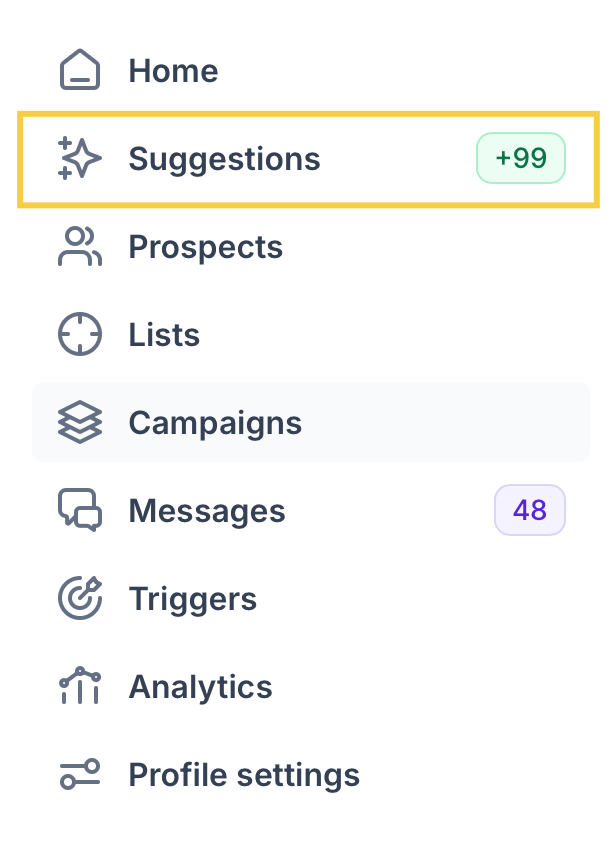
Signs you’ll notice
- A long list of prospects in Suggestions
- No “New suggestions” appearing
- Refreshing doesn’t load new leads
How to fix it
Start clearing the queue:
- Approve the prospects you want to contact
- Reject the ones that don’t fit
- Remove old or irrelevant suggestions
Once the list is processed, new suggestions will appear automatically.
👉 For more information read these articles:
What do the different prospect statuses mean + how to override status
How to move prospects in suggestions to a different campaign or profile
3. You don’t have any active campaigns
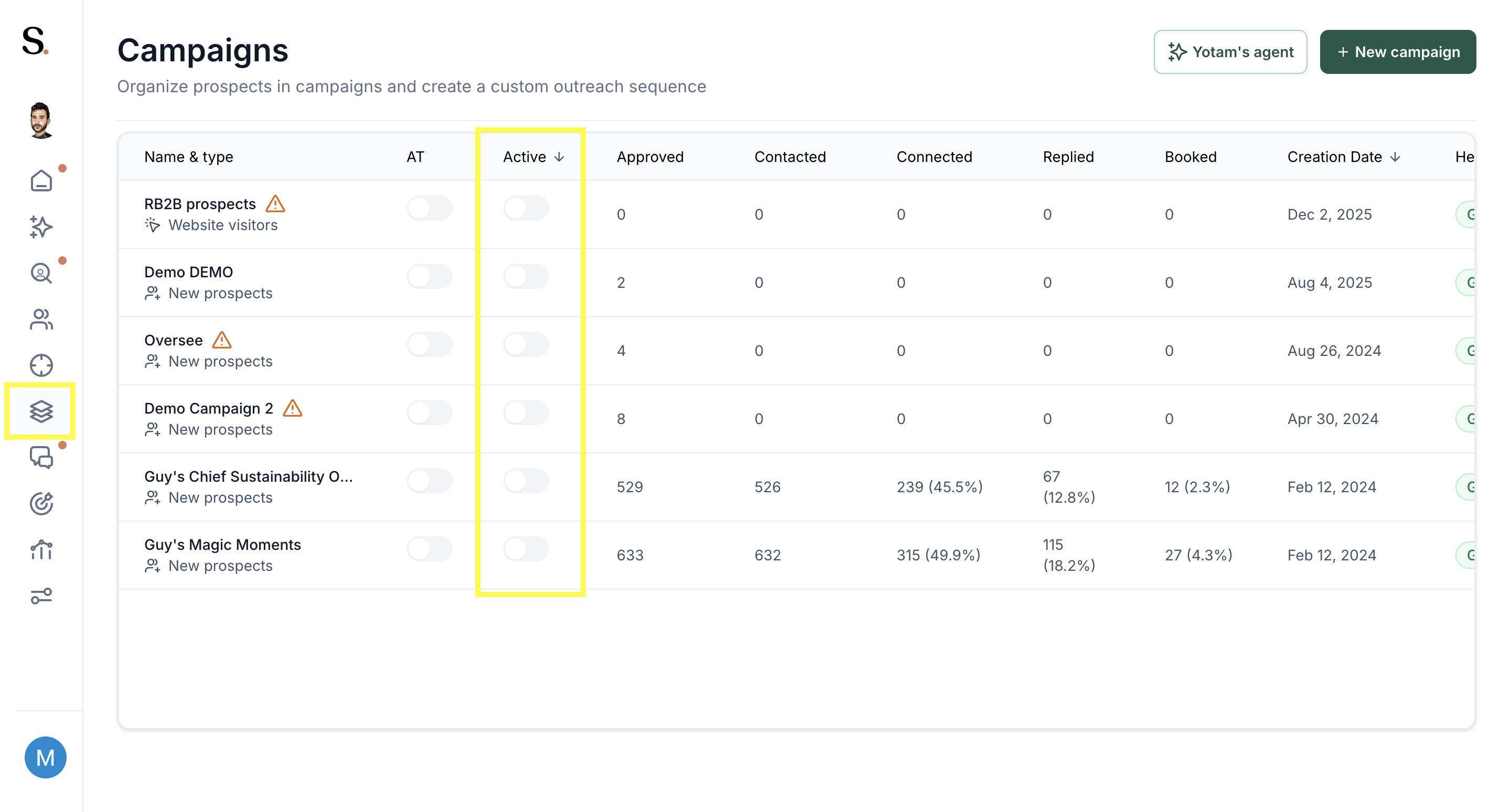
Spear only moves approved prospects into campaigns if at least one campaign is active.
Signs
- Approved prospects stay in “Approved” but don’t enter a campaign
- Dashboard shows no outreach activity
- The campaign toggle is off
How to fix it
Make sure you:
- Have at least one campaign created
- Turn the campaign ON
- Add a sequence
- Set a schedule
Once active, approved prospects will start flowing into the campaign.
👉 For more information read these articles:
How to actívate and deactivate a campaign
Conclusion
Most lead flow issues come down to three things: an ICP that’s too narrow, an overloaded Suggestions list, or no active campaigns. Adjusting these settings usually restores new leads right away.


.avif)
